


Offline Assist is a standalone VS Code extension that exposes Foundry Local chat-capable models through VS Code's language model picker.
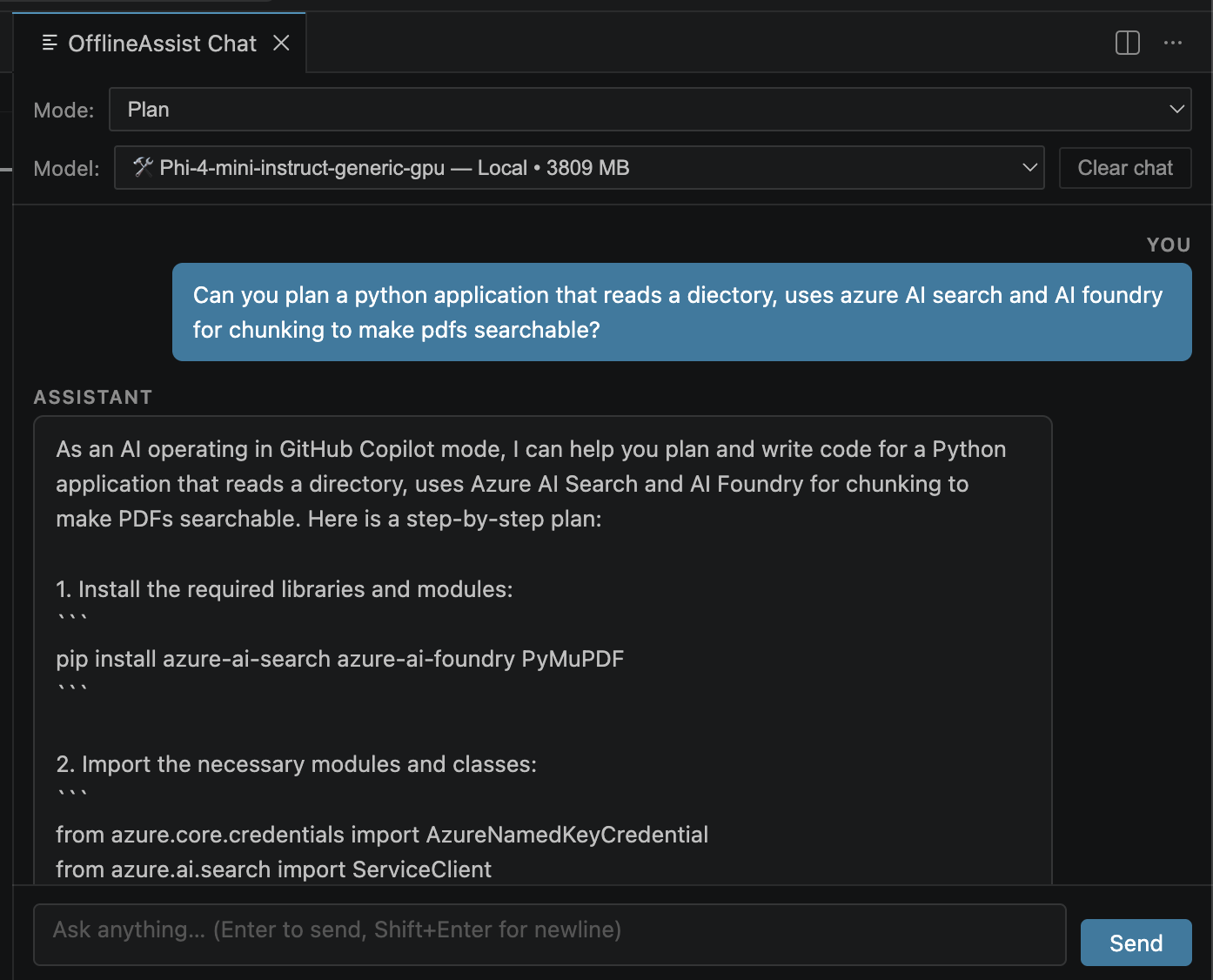
What it does:
- Lists chat-capable models from the local Foundry catalog.
- Registers them as a
languageModelChatProvidervendor namedoffline-assist. - Downloads and loads a selected model lazily the first time you send a chat request.
- Adds an
OfflineAssist: Download Chat Modelcommand so you can pre-download a model before chatting.
- VS Code Insiders.
- Proposed API access for
chatProvider. - Foundry Local installed on your machine.
- Node.js 18+.
Install Foundry Local on macOS:
brew install microsoft/foundrylocal/foundrylocalcd Offline-Assist
npm install
npm run compileThen open this folder in VS Code Insiders and launch an Extension Development Host.
- Open the chat view in the Extension Development Host.
- Open the model picker.
- Choose a model under
Offline Assist. - Send a prompt. The extension will download execution providers if needed, then download and load the model on first use.
Optional command:
OfflineAssist: Download Chat Modelpre-downloads a model from a quick pick.
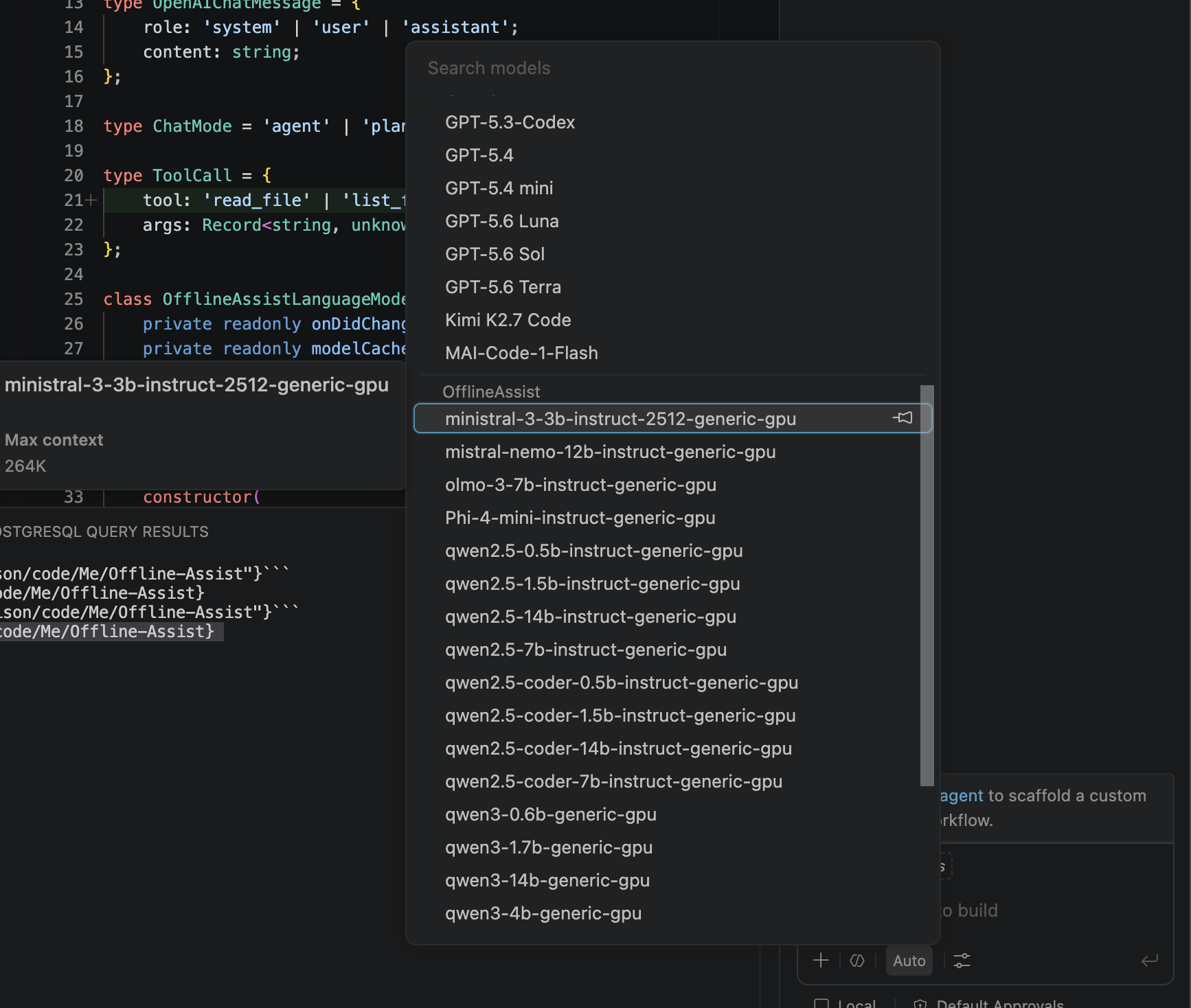
As you can see this also expands copilot to give it access to all of the offline models that Foundry Local gives you too!
- This project intentionally handles text chat only.
- It includes built-in workspace tools (
read_file,list_files,write_file,replace_in_file,run_command) for the OfflineAssist chat panel. - Non-chat models such as transcription and embeddings are filtered out of the picker.