


name says it all, mew!
a custom-made desktop pet engine that only shows the goat PINK
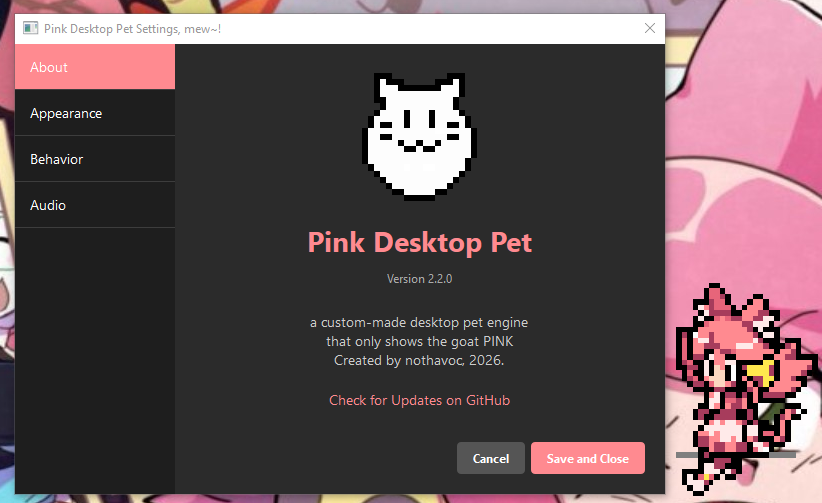


Note
if youre using Windows: the settings are at the right side of the taskbar, where the wifi icon is and etc. by default its hidden behind the arrow thing, click on it and youll see the icon
Warning
windows defender may pop up and say that this is a virus, it indeed isnt, i havent hit that low yet. the code is fully open source so if youre skeptical, you can check it yourself too.
Download for Windows (.exe)
Universal Script (any platform) (.py)
(macOS onefile executable will release soon, there are some issues currently with PyQT on macOS)
to use the universal script, you need python downloaded on your machine
run this command in your OSes terminal
windows/any os with pip (with no --break-system-packages)
pip install PyQt6
debian/debian based linux, audio dependencies needed too
sudo apt install python3-pip gstreamer1.0-plugins-good gstreamer1.0-plugins-bad gstreamer1.0-plugins-ugly
pip3 install PyQt6
(same would go for other distros, just use your respective package manager)
these are the commands that were used for compiling the .py project into .exe (or the respective platform's executable)
windows
pyinstaller --noconfirm --onefile --windowed --name "PinkDesktopPet" --add-data "audio;audio" --add-data "sprites;sprites" --icon icon.ico --hidden-import PyQt6.QtMultimedia main.py
macOS/linux
pyinstaller --noconfirm --onefile --windowed --name "PinkDesktopPet" --add-data "audio:audio" --add-data "sprites:sprites" --icon icon.ico --hidden-import PyQt6.QtMultimedia main.py