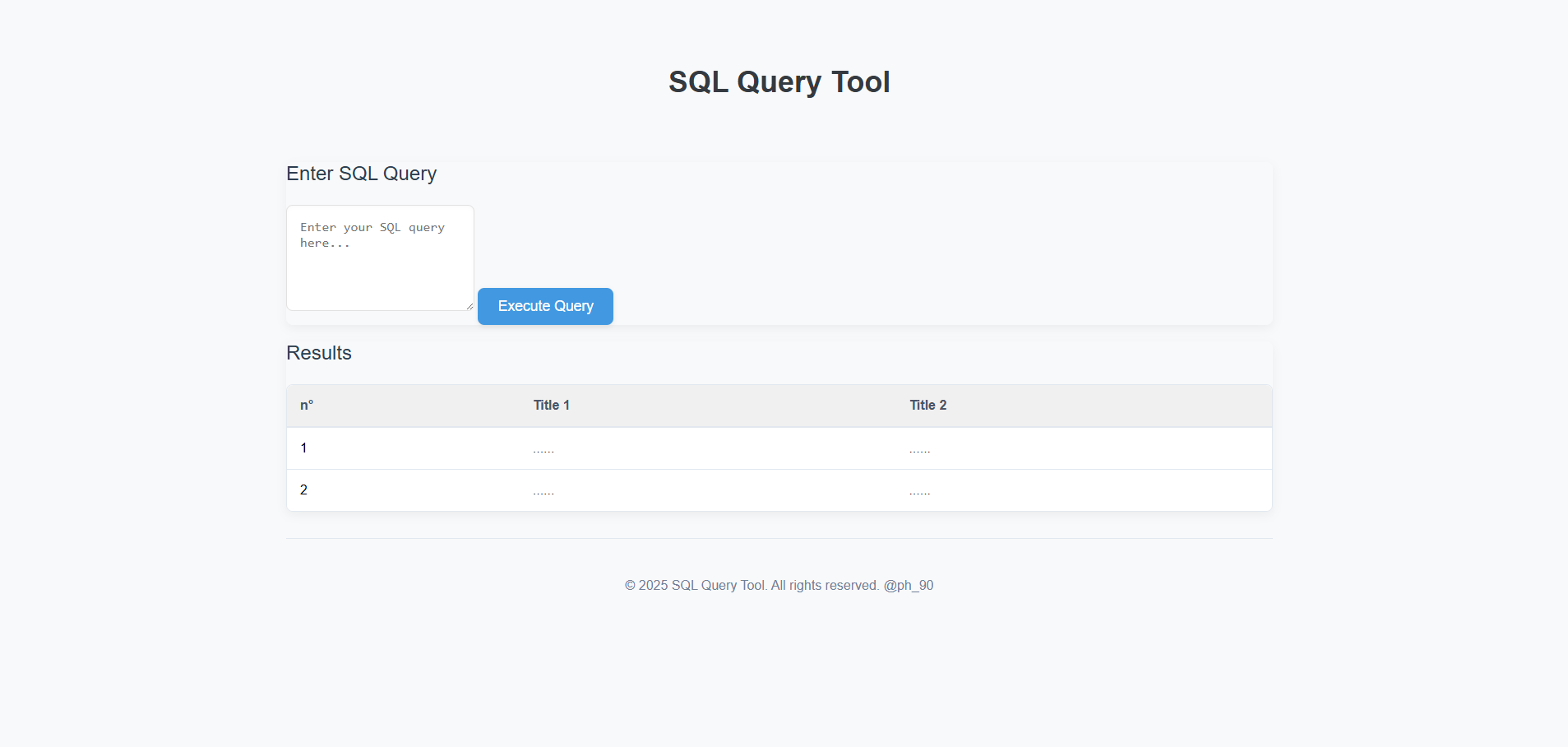
The SQL Query Tool is a web application that allows users to execute SQL queries against a database. It consists of a frontend and a backend:
- Frontend: Provides a user interface for entering SQL queries and viewing results.
- Backend: Handles the execution of SQL queries against the database and returns the results to the frontend.
This tool is designed to provide a simple and efficient way to interact with a database, making it suitable for development, testing, and educational purposes.
- User-Friendly Interface: A clean and intuitive interface for entering SQL queries.
- Query Execution: Ability to execute SQL queries and retrieve results.
- Results Display: Results are displayed in a tabular format for easy readability.
- Error Handling: Displays user-friendly error messages for invalid queries or execution failures.
- PostgreSQL Support: The backend is designed to work with PostgreSQL databases.
- Frontend:
- HTML
- CSS (including Bootstrap)
- JavaScript
- Bootstrap
- Inter Font
- Backend:
- Node.js
- Express.js
- pg (PostgreSQL client for Node.js)
- cors
- dotenv
Hospital Database Management System/
├── frontend/
│   ├── index.html
│   ├── css/
│   │   ├── styles.css
│   │
│   ├── js/
│   │   ├── app.js
│   │   └── utils.js
│   └── README.md
└── backend/
├── .env
├── server.js
├── package.json
└── README.md
└── README.md
-
Clone the Repository:
git clone https://github.com/Paulherveph/SQL-QUERY-TOOL-Platform cd SQL-QUERY-TOOL-Platform -
Set up the Backend:
-
Navigate to the
backenddirectory:cd backend -
Install the dependencies:
npm install
-
Create a
.envfile in thebackenddirectory and configure your PostgreSQL database credentials:DB_USER=your_db_user DB_HOST=your_db_host DB_NAME=your_db_name DB_PASSWORD=your_db_password DB_PORT=5432 DB_SSL=false # Set to true if your PostgreSQL server requires SSL- Replace the placeholder values with your actual database credentials.
- Important: Do not commit the
.envfile to version control.
-
Start the backend server:
npm start
- The server will start and listen on port 3000 (or the port specified in your
.envfile).
- The server will start and listen on port 3000 (or the port specified in your
-
-
Set up the Frontend:
-
Navigate to the
frontenddirectory:cd frontend -
Open the
index.htmlfile in your web browser.
-
-
Frontend:
- Bootstrap (CSS)
- Inter Font
-
Backend:
- Node.js
- Express.js
- pg
- cors
- dotenv