
Daybook is a minimalist static blog generator for Go and HTML beginners, featuring native Obsidian Markdown compatibility, zero-framework TypeScript interactions, and a clean, reading-focused design.
If you enjoy Daybook, consider supporting its development.


| Homepage | Notes | Reading Mode | Footnotes |
|---|---|---|---|
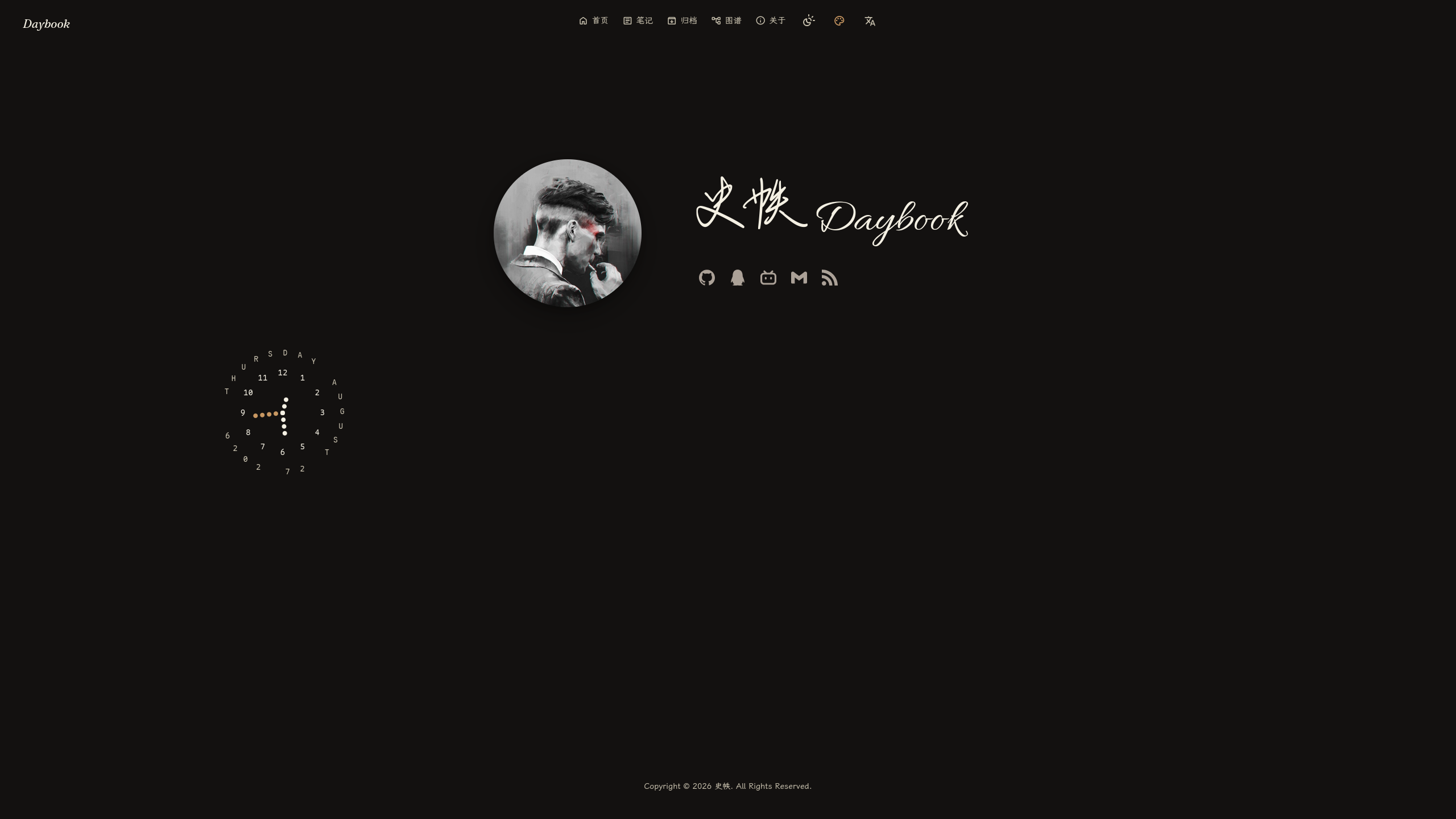 |
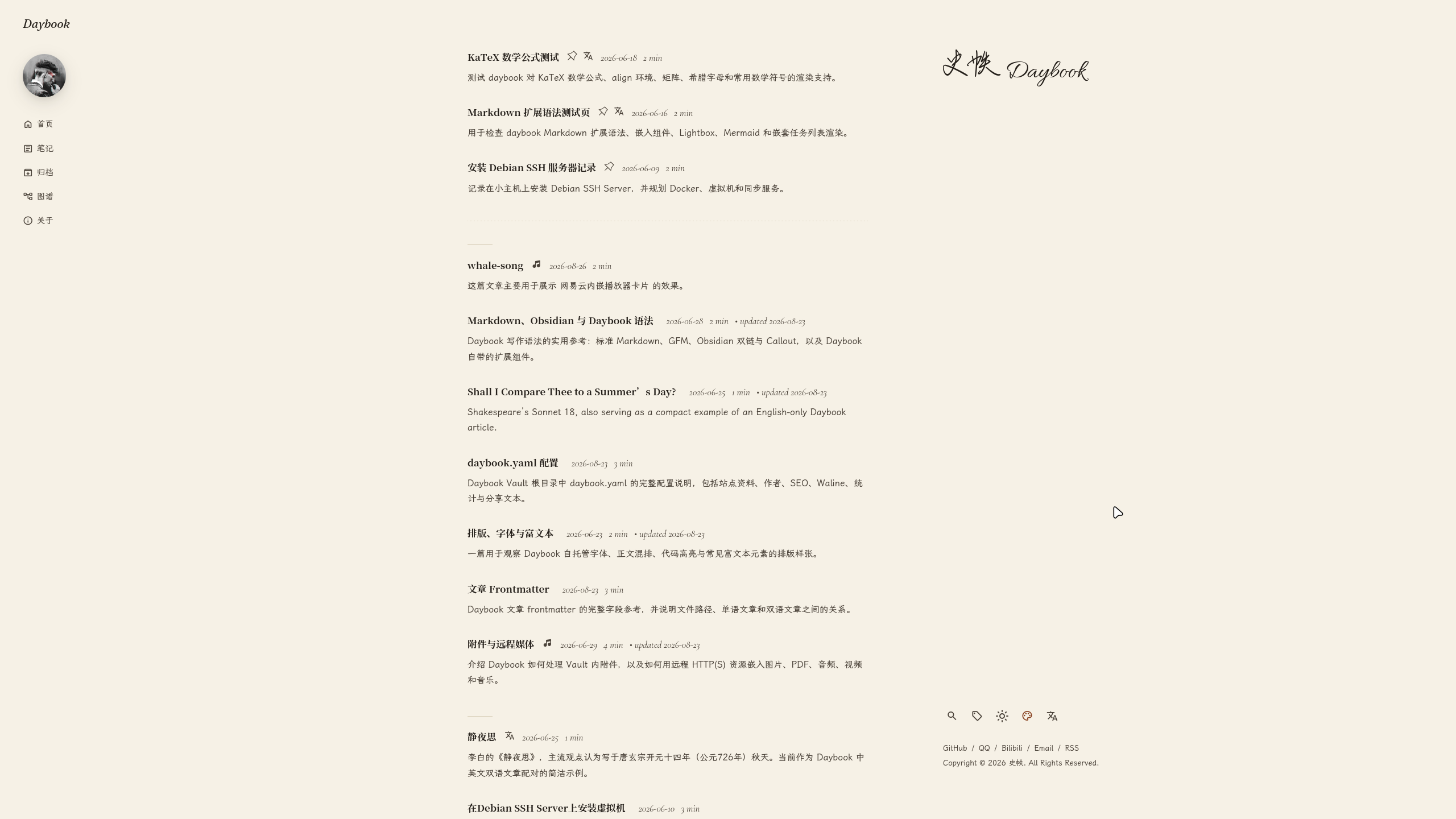 |
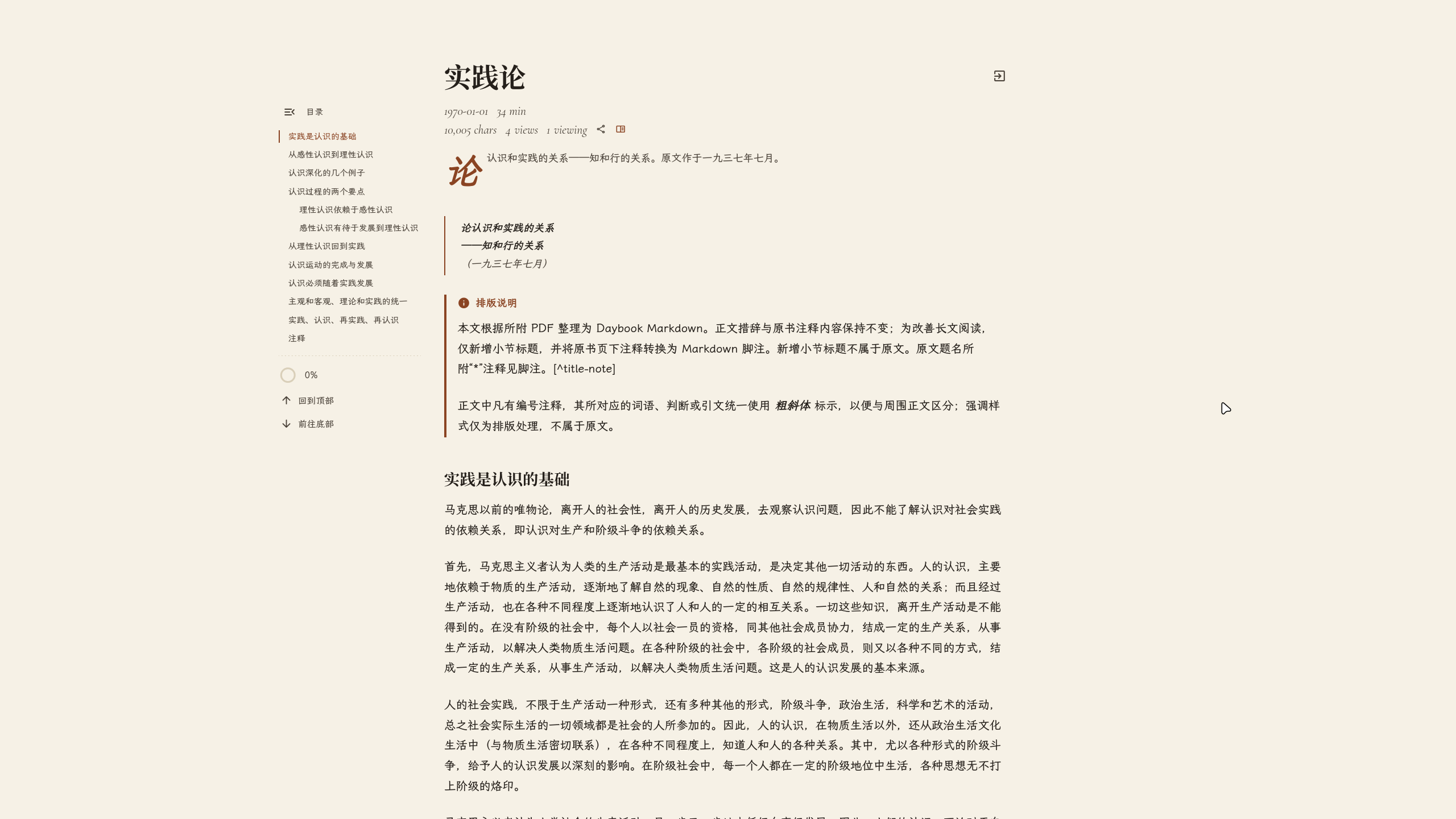 |
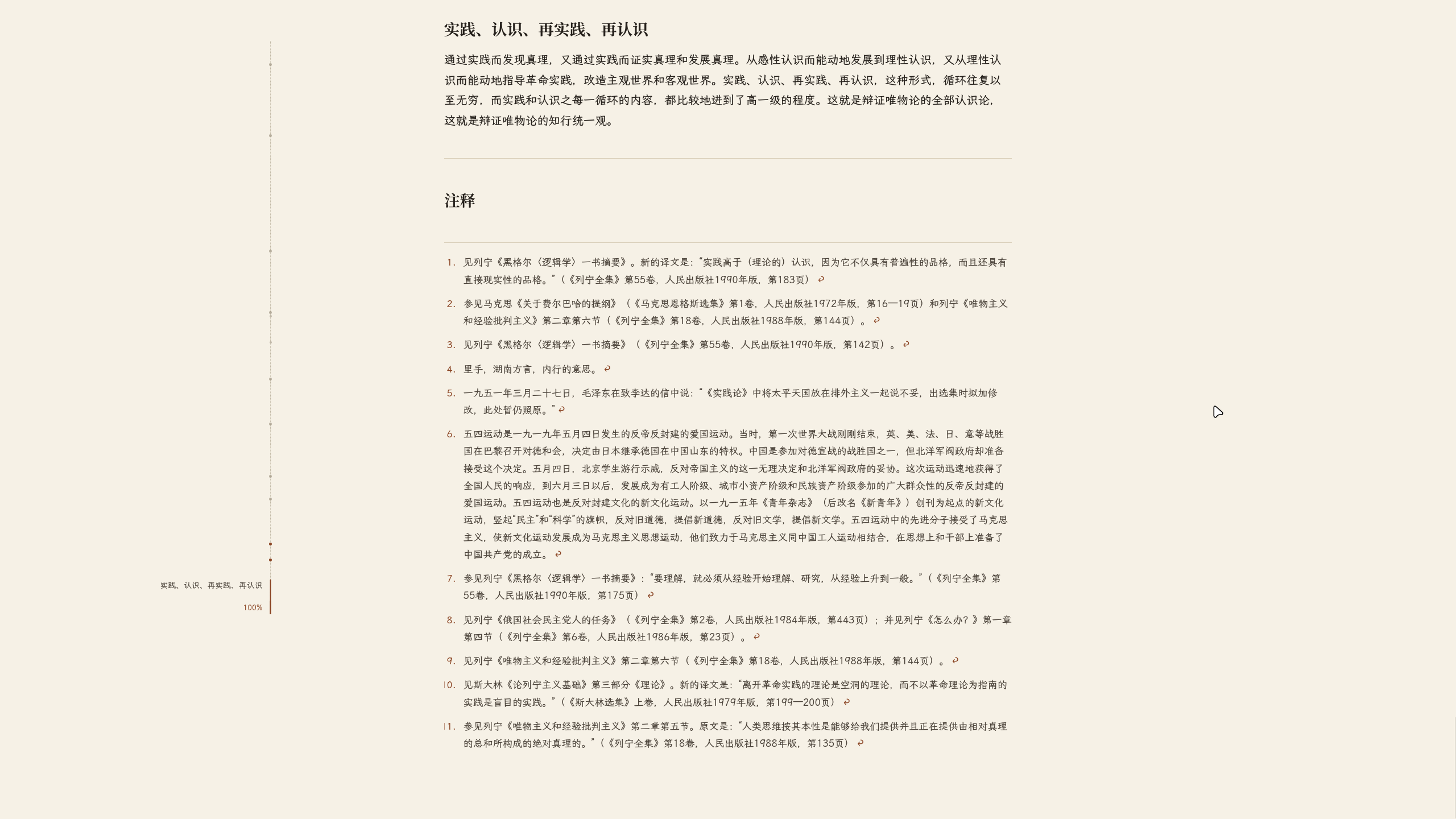 |
| Attachments | Knowledge Graph | Archive & Statistics | About |
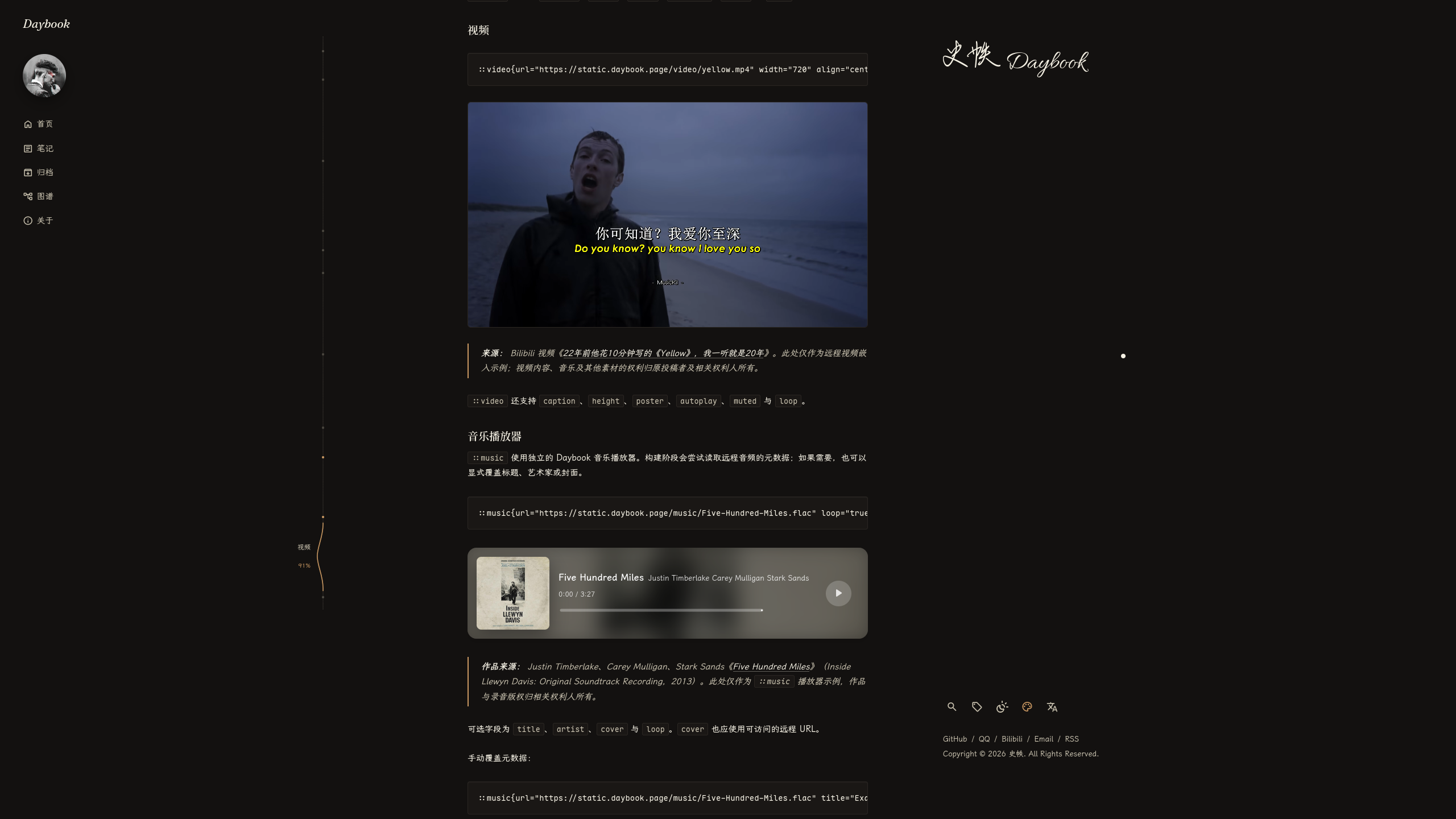 |
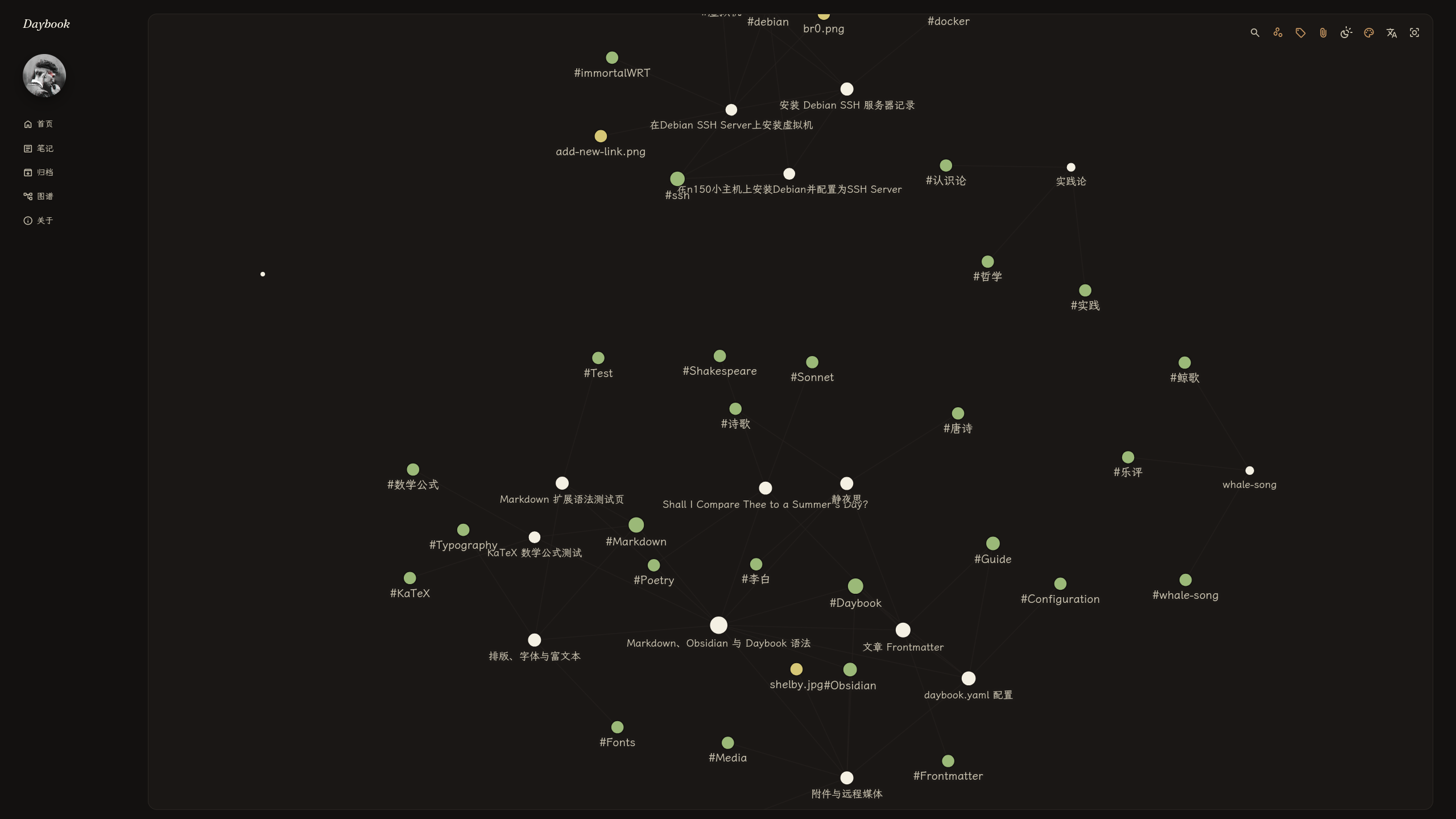 |
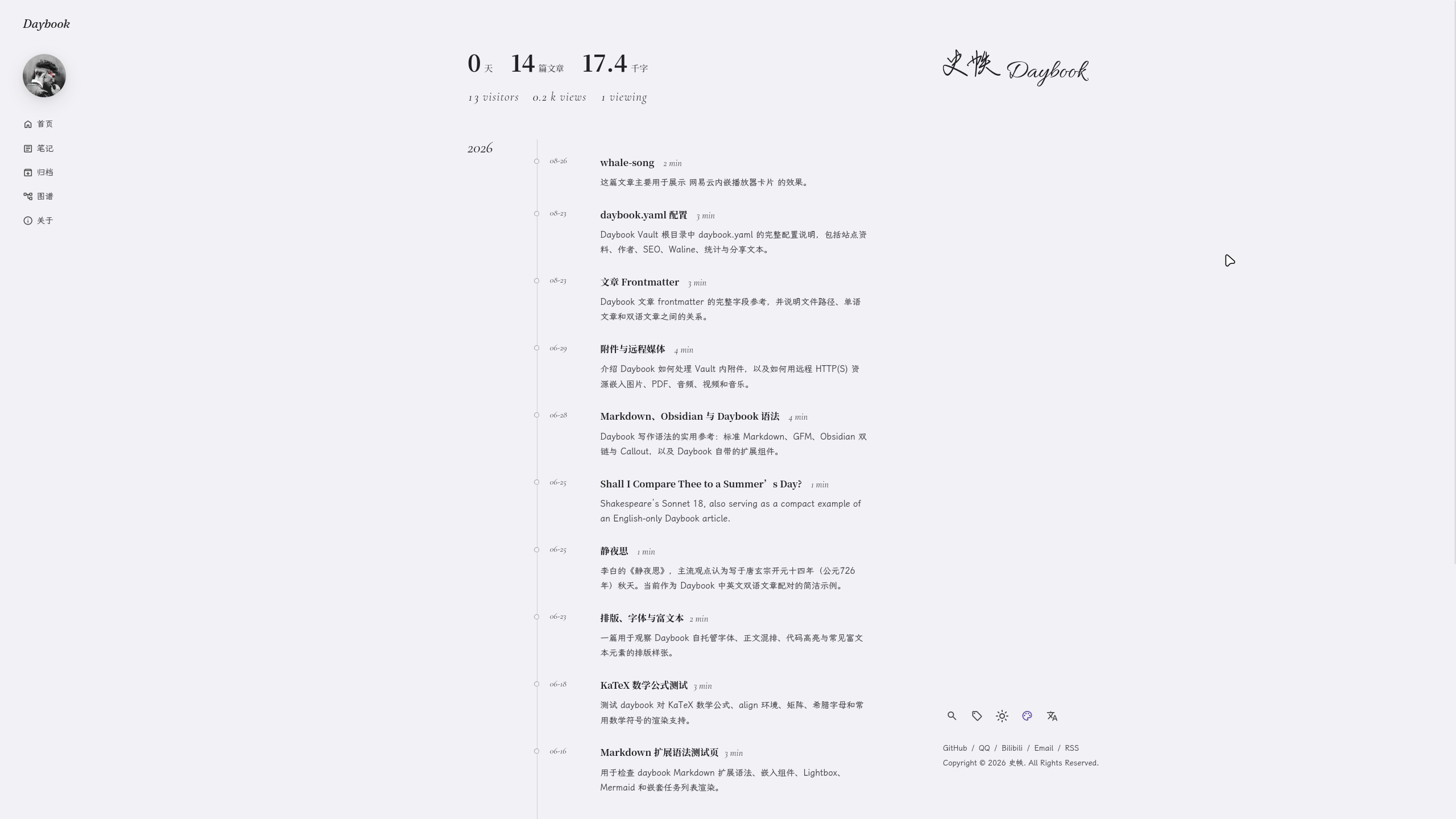 |
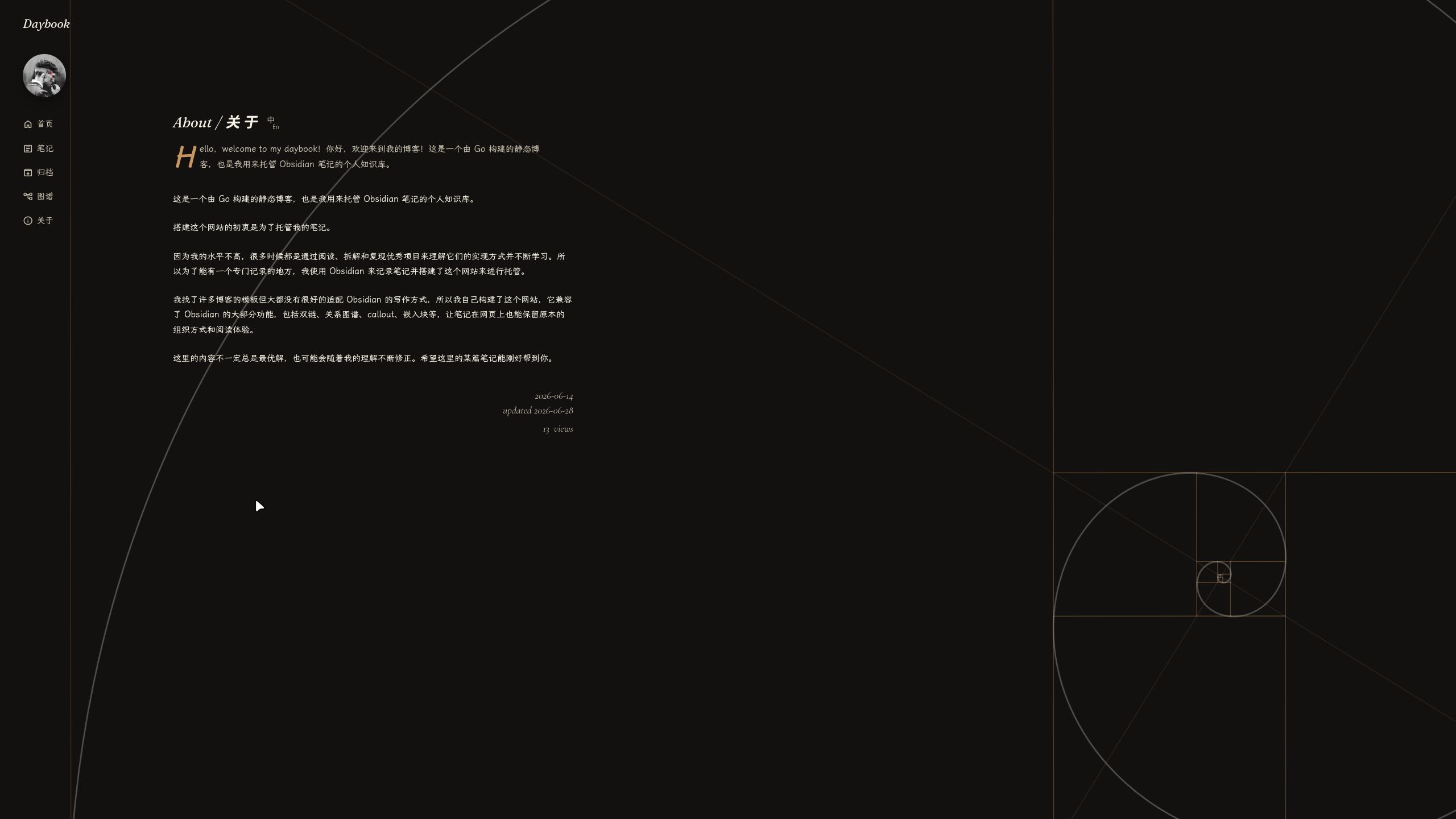 |
| Mobile Layout | Mobile Drawer | Reading Progress |
|---|---|---|
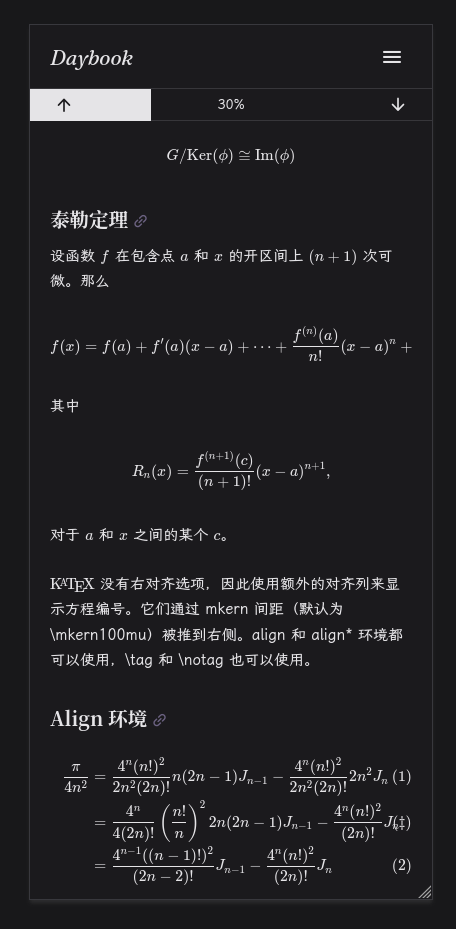 |
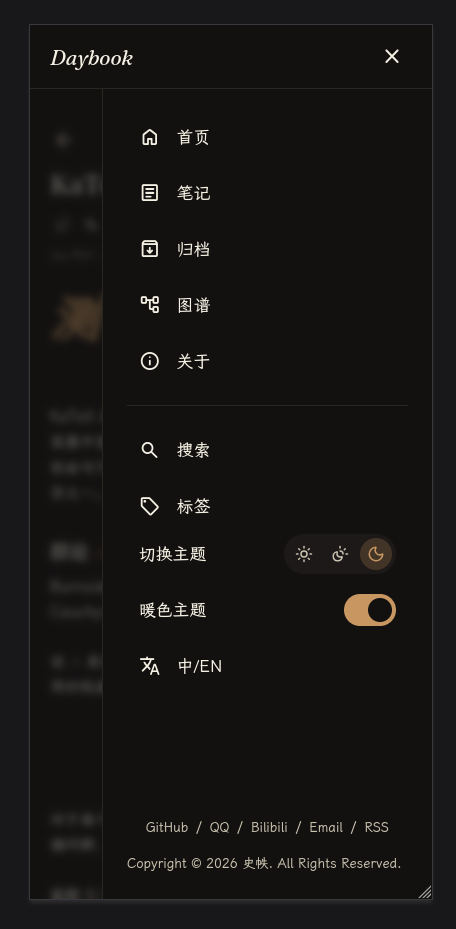 |
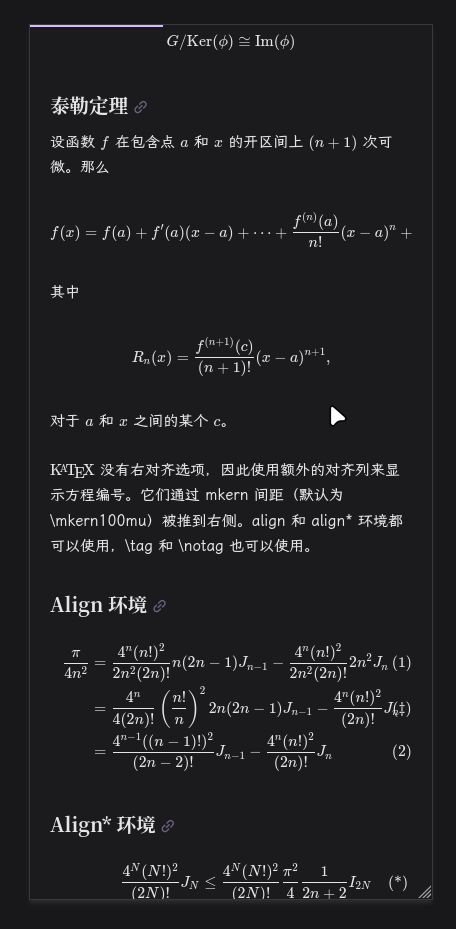 |
This repository (StatIndet/daybook) contains the Daybook CLI source code. It includes:
- Go runtime: Core CLI application and build engine.
- Embedded assets: Templates, CSS, and generated static files (
internal/embedded/). - Frontend source: TypeScript source files (
assets/ts/). - Vendor pipeline: npm-based asset generation for fonts and KaTeX.
- Release workflow: GitHub Actions for building cross-platform standalone binaries.
Your blog content lives in an independent directory called a Vault, which is completely separated from this source repository.
The CLI runs inside your Vault and expects the following structure:
my-vault/
├── daybook.yaml
└── vault/                  # Open this directory in Obsidian
    ├── notes/              # Long-form articles
    ├── memos/              # Short, title-free entries (optional)
    ├── pages/              # About pages
    └── attachments/
The easiest way to install Daybook is using our release installer. This script will automatically detect your OS and architecture, download the latest prebuilt CLI, verify its checksum, and install it without requiring Go. Building social preview images also requires Node.js (>=24) and the local browser setup described below.
curl -fsSL https://install.daybook.page | shBy default, the executable is installed to ~/.local/bin/daybook. You do not need root/sudo privileges. Ensure ~/.local/bin is in your $PATH.
Open PowerShell and run:
irm https://install.daybook.page/windows | iexBy default, the executable is installed to %LOCALAPPDATA%\Programs\Daybook\bin\daybook.exe. The installer will automatically add this directory to your User PATH. No administrator privileges or WSL are required.
| Operating System | Architectures | Status |
|---|---|---|
| Linux | amd64, arm64 | Native tested |
| macOS | amd64, arm64 | Build-supported / experimental |
| Windows | amd64, arm64 | Native tested |
| FreeBSD | amd64 | Build-supported / experimental |
| OpenBSD | amd64, arm64 | Build-supported / experimental |
| NetBSD | amd64 | Build-supported / experimental |
| DragonFly BSD | amd64 | Build-supported / experimental |
Alternatively, you can manually download the binaries from GitHub Releases.
Static social-card generation requires a platform supported by Playwright Chromium. The Go CLI can still be compiled on the other platforms listed above, but full site builds need the browser runtime; use a supported build machine to generate the static site.
Building from source is recommended for development. Ensure you have Go, Node.js (>=24), and npm installed.
git clone https://github.com/StatIndet/daybook.git
cd daybook
./scripts/install-cli.sh
This script installs npm dependencies, builds frontend assets, and installs the daybook executable to your Go bin path ($GOBIN or $(go env GOPATH)/bin).
Run these commands inside your Vault directory:
daybook build: Readsdaybook.yaml,vault/notes/andvault/memos/, compiles your site, and outputs static HTML topublic/. At least one of the two content directories must exist.daybook build --verbose: Prints timestamped stages, completed files and stage durations without animation.daybook setup-og [--with-deps | --user-deps]: Installs the pinned Playwright package and Chromium in the current user's caches. Requires Node.js (>=24), npm and network access. Run once before the first build, and again when a CLI update changes the bundled Playwright version. This command can run outside a vault. Add--with-depson a fresh Linux build machine to install Chromium system libraries as well; this uses Playwright's OS dependency installer and requires root or sudo. On Debian/Ubuntu hosts without those privileges, use--user-depsto download authenticated APT packages and extract the needed libraries into the user cache; only Chromium loads those libraries, and system packages remain unchanged.daybook serve: Starts a local web server athttp://localhost:1313to preview your site. Usedaybook serve --addr 127.0.0.1:1415to select another address or port.daybook version: Prints the current CLI version.
Interactive builds keep two live lines: the current task, completed count and elapsed time above a terminal-width Pac-Man bar. Its mouth animates while waiting; its position moves only when work completes. The percentage is weighted overall work, not an estimate of remaining time. Social cards report each completed image and then validate the generated PNGs. Warnings remain in terminal history; the final summary includes content, social-card and warning counts.
Redirected output, CI (CI=true) and unsupported terminals (TERM=dumb or unset) use plain stage start/end logs with no cursor controls. NO_COLOR=1 disables color while keeping interactive progress. Use --verbose to diagnose an individual file or compare stage timings.
If you are modifying the Daybook CLI itself, follow this workflow:
# Install npm dependencies
npm ci

# Build first-party TypeScript files
npm run build:js

# Build third-party vendor assets (KaTeX, Fonts)
npm run build:vendor

# Install the local browser and select this checkout's Playwright package
npx playwright install chromium
export DAYBOOK_OG_PLAYWRIGHT_MODULE="$PWD/node_modules/playwright/index.mjs"

# Run Go tests (including real PNG generation in temporary vaults)
go test ./...

# Build the temporary binary for local testing
go build -o daybook-cli ./cmd/daybook

# Run required integrity and functional browser checks (excludes optional TOC diagnostics)
./scripts/check.sh
TOC geometry, screenshots and desktop/mobile outline checks are opt-in:
npm run test:toc. They are not run by check.sh, CI or Release. See
the TOC diagnostics guide for prerequisites and
checks against a served article or external vault.
The required checks retain generated-output, privacy, navigation, search and OG
rendering coverage. check.sh builds the CLI once and shares that binary with
the isolated memo and article-action fixtures through DAYBOOK_TEST_BINARY;
those scripts still compile their own binary when run separately. Browser smoke
tests do not save unasserted screenshots or scan the RSS animation frame by frame.
Release requires a successful main-branch CI run for the exact tagged commit, then
rebuilds and packages the assets and binaries without rerunning browser tests. If
CI is still running when the tag is pushed, rerun Release after CI succeeds.
Note: Do not modify generated files in
internal/embedded/static/js/orinternal/embedded/static/vendor/directly. Always modify the source TypeScript or update the npm package and run the corresponding build scripts.
Install Node.js (>=24) and npm on the build machine, then run:
daybook setup-og
cd /path/to/my-vault
daybook build
Set site.url in daybook.yaml to your public origin (for example https://blog.example) so image metadata contains absolute URLs. Each published note and memo gets a 1200 × 630 PNG at public/generated/og/notes/<hash>.png or public/generated/og/memos/<hash>.png. The hash comes from the canonical page URL, so filenames remain safe and stable for Chinese titles, nested paths and language variants. Builds regenerate the files; social platforms may retain an older preview until their cache refreshes.
Notes use the filename title, a cleaned summary (or a body excerpt), publication date, reading time, optional update date and up to three tags. Memos use the existing author/avatar configuration, date, body text and up to four images; additional images appear as a +N overlay. Memo social titles use the author and date instead of the filename. Long text is truncated to fit. Drafts and invalid entries produce no images. Both og:image and twitter:image, plus structured data, reference the generated PNG.
Dedicated embedded HTML/CSS templates are rendered in one local Playwright Chromium session per build. The renderer waits for fonts and images, uses a fixed light canvas and disables page JavaScript. It reads bundled fonts and local attachments from the generated site. Remote memo images and configured avatars are fetched during the build and must be reachable; use local attachments for offline builds. Missing resources, browser setup problems and screenshot failures stop the build with the affected page/resource in the error. No remote browser or image-generation service is used, and hosting the resulting site needs only static files.
setup-og stores the pinned npm runtime under the OS user cache directory in daybook/og/; Chromium uses Playwright's browser cache (including PLAYWRIGHT_BROWSERS_PATH when set). Linux machines missing browser system libraries can run daybook setup-og --with-deps or follow Playwright's system-dependency instructions. For CI or source development, DAYBOOK_OG_PLAYWRIGHT_MODULE can point to an absolute installed playwright package directory or its index.mjs file. ./scripts/check.sh selects the checkout's package automatically; CI installs Chromium before running it. Keep the pinned runtime version in internal/og/runtime.go aligned with package-lock.json when updating Playwright.
For an external vault deployed through Cloudflare Workers Builds, install the renderer after downloading the CLI and before building. With a vault-local CLI installer, the npm build script should run:
npm run daybook:setup && ./.daybook/bin/daybook setup-og --user-deps && ./.daybook/bin/daybook buildUse Node.js 24 or newer. Run setup-og --user-deps on every fresh Cloudflare build environment (its build user cannot install system packages with root/sudo), even when the CLI binary is cached: the Playwright package and Chromium have separate caches, and cached downloads do not provide Linux system libraries such as libatk-1.0.so.0. Repeating setup is safe and also selects the runtime required by an updated CLI. The release archive contains the CLI and embedded site assets, not Playwright or Chromium.
This project is open-sourced under the MIT License.
The homepage is a public GitHub profile rendered with Daybook's existing themes. Configure the upstream account in the external vault's daybook.yaml:
github:
  username: StatIndet
  tokenEnv: GITHUB_TOKEN
profile:
  author:
    logoText: Daybook
Each daybook build requests fresh official GitHub data: name, login, avatar, Bio, contacts, followers, public repositories and stars, profile README, organizations and public activity. GITHUB_TOKEN is optional; a token enables GraphQL pronouns, pinned repositories, status and contribution calendar, and REST public profile email (GitHub omits email for anonymous requests). Use a token with access to public information only. It is read from the environment and is never written to HTML, JSON or the cache. GitHub local time/timezone visibility and achievements are omitted because the official APIs do not expose them.
The GitHub Bio supplies homepage description, Open Graph, Twitter and JSON-LD metadata. Manual author names, avatars, slogans and home SEO values are no longer used for a configured GitHub homepage. The persistent logo and footer preferences remain configurable. profile.author.logoText also supplies the site name used by SEO and RSS; site.name and profile.author.aboutUrl are no longer used. Omit profile.social when GitHub supplies the social links. A last-successful snapshot in .daybook-cache/github/ supports offline rebuilds. A first build without accessible upstream data fails with a clear error. Generated public/github-profile.json contains only public profile data.
For scheduled updates, use the external vault's Worker with a KV binding and a Cron Trigger. It serves a build snapshot until KV is refreshed, rewrites the homepage HTML and SEO together, and retains the last success during upstream failures. Deployment configuration belongs to the vault, not this CLI source repository.
Every non-draft note is published in Notes, Archive, tags, search, RSS, the sitemap and the graph. Memos have their own timeline at /memos/ and share RSS, links, search and the graph with notes, but do not appear in Archive. Set draft: true to keep unfinished content out of the build. There is no separate listing or discoverability setting.
Notes and memos use the Markdown filename (without .md) as their title. The title frontmatter property is no longer used. Keep existing filenames when migrating to preserve published URLs. A valid date is required: use YYYY-MM-DD, or RFC 3339 when the time matters, for example 2026-10-02T18:30:00+08:00. Entries with missing or invalid dates are skipped and reported during the build.
Chinese and English article versions both appear in Notes, Archive, tags, search and the graph. Each article keeps its canonical URL and original text. The global language button changes the interface; on an article it uses ?ui=zh_CN or ?ui=en_US. The separate translate icon in article metadata opens the corresponding translation. Existing /en_US/ URL paths remain unchanged; HTML language and hreflang values use BCP 47 (zh-CN, en-US).
The upper-left toolbar on /graph/ provides search, orphans, tags, attachments, existing notes only, growth animation, recentering and graph settings. Search opens a compact query field below the toolbar; Graph settings opens the always-expanded Display and Forces sections. On narrow screens the toolbar uses two rows and settings open as a fullscreen layer. Settings stay in the current browser and are shared across interface languages; they do not change the vault or other visitors’ settings. Recenter only moves the camera. Restore defaults clears queries and tuning while keeping a local graph’s scope; use Full graph to leave that scope.
Use the search field for plain text or the query syntax below. Matching is case-insensitive; an empty query shows all nodes allowed by the toolbar filters.
| Query | Example | Matches |
|---|---|---|
| Plain words | 项目 计划 |
Filename/title or published body containing both words |
| Quoted phrase | "Hello World" |
The complete phrase |
| Relative path | path:"notes/My Project" |
Published Vault-relative paths, including spaces; never local absolute paths |
| Filename | file:.md |
Filenames including the extension |
| Tag | tag:work |
The tag itself and descendants such as work/project |
| Same line | line:(甲 乙) |
Both terms within one published line |
| Same section | section:(甲 乙) |
Both terms within one heading section; headings inside code blocks do not split sections |
| Property exists | [status] |
A public property is present |
| Property value | [status:done] |
A public scalar value or an item in its scalar list matches |
Combine conditions with spaces (AND), OR, - (exclude), and parentheses. Exclusion has the highest precedence, followed by AND, then OR. For example, path:"notes/My Project" (tag:work OR tag:study) -file:archive matches that path and either tag while excluding filenames containing archive. Custom properties must be included in graph.searchProperties; see Graph search data below.
Regular expressions, numeric comparisons, task and block operators are not supported. Invalid syntax shows an error below the field and keeps the previous valid result. If the content index cannot load, path:, file: and tag: remain available. Syntax help is documented here rather than displayed in the graph UI.
Tags and attachments are added for matching notes; attachments can also match filename/path queries directly. Orphans are determined after filtering, using the currently visible links. Missing-note placeholders can be displayed but cannot create files. Arrows preserve both citation directions while reciprocal citations contribute only one physical link.
Animation reveals notes in date order, grouping the authored calendar day, over 8 seconds. Tags, attachments and missing targets appear with related notes. The toolbar animation button toggles playback: click to start, then click again to stop and restore all filtered nodes. Completion resets the button; the next play starts from the beginning. Changing a filter stops playback. Display settings and forces can change during playback. Reduced-motion preferences replace moving layouts with settled batches. Force values are multipliers of Daybook’s defaults; link distance is measured in graph coordinates. SVG is retained for this first version and is not intended as a guarantee of smooth graphs with tens of thousands of nodes.
The static build publishes a versioned graph.json with vault-relative paths and directed citations, plus an independently loaded graph-search.json beside it in each interface language. Search text comes from the published article HTML: hidden comments, frontmatter, scripts and generated controls are excluded, while visible code remains searchable. Lines and heading sections are retained; a # inside a code fence does not start a section. Draft notes are excluded. Both language routes contain all published note and memo versions, matching the graph.
Public note metadata (title, date, updated, tags, summary, lang, slug, pinned, section, location, url, i18n_key) is searchable by default. To publish additional custom frontmatter values for property queries, opt in explicitly in the external vault's daybook.yaml:
graph:
  searchProperties: [status, aliases] # Default: []
Only the named properties are added to the public JSON. Supported values are strings, numbers, booleans, null, timestamps and lists of these scalars; nested objects and nested lists are omitted. The canonical filename-derived title takes precedence over obsolete title frontmatter. File metadata exposes only vault-relative paths, never the build machine's absolute paths. Treat allowlisted values as published content; browser filtering does not make indexed data private.
Notes retain their outline in reader mode: a desktop sidebar or a compact-screen TOC drawer. The image viewer groups photos from the current article or memo, with previous/next buttons and a position counter. Use Left/Right or Home/End to navigate, the wheel or +/- to zoom, 0 to fit, and Escape to close. Double-click to toggle zoom, drag to pan an enlarged photo, or swipe horizontally on touch to change photos. Linked images and images marked no-lightbox keep their authored behavior.
Create Markdown files in vault/memos/. The timeline displays each entry's body directly, with its date, optional tags and optional location. Search covers body text, filenames, dates, locations and tags, and combines with calendar and tag filters. Click to select one tag/date; Ctrl-click (or Command-click) or long-press on touch to add or remove selections. Selections within each category are combined with OR, while tags, dates and search are combined with AND. Repeated tag and date URL parameters preserve and share multiple selections. The timeline shows the full text and up to four images; captions overlay the bottom of each image, and a +N badge at the top-right of the fourth image expands on hover or keyboard focus to open the remaining images in the detail page. Each feed image fits within the size of one responsive 4:3 grid cell. Detail pages retain normal Markdown image rendering. Memos use the same Markdown, Obsidian links and attachment syntax as notes.
For example, save vault/memos/Evening walk.md:
---
date: 2026-10-02T18:30:00+08:00
tags: [daily, reading]
location: Riverside
pinned: false
draft: false
---
An idea from today's walk: leave some room for unfinished thoughts.

This connects to [[notes/My reading note|my reading note]].
Only date is required; a date without a time is also valid. location is a plain-text label. The filename provides the entry's search/link label and its stable detail URL (/memos/Evening%20walk/ in this example), while the timeline does not add an article title. Prefix cross-collection Obsidian links with notes/ or memos/ when the filename is ambiguous.
Set pinned: true to place a memo at the top of the timeline with a pin marker. Pinned and unpinned entries each remain newest first. Set pinned: false or omit it to unpin; rebuild the site to apply the change. Search, calendar and tag filters still apply to pinned entries.
Memos use a shared post layout in the timeline and detail view, with comment, like, view, share and site-wide RSS actions. Comment counts include replies and are read lazily from giscus; likes remain independent. View counts in the timeline are read without recording visits to each memo. Unavailable counts display a dash.
Memos support an optional updated property (a date or RFC 3339 timestamp), shown in the timeline and detail page without changing publication-date ordering. Memos do not calculate word counts or reading time, and their detail pages do not offer reader mode. The old pin frontmatter property has been renamed to pinned for both notes and memos; rename it in existing files.
npm run build:js also builds flattened common, homepage and other-page CSS bundles. The router waits for destination styles before swapping pages, and loads article modules on demand. Code fonts are requested when code is present. Material Symbols are subset from template, TypeScript and Go callout sources; their FILL axis remains variable. The original settings paper lives in assets/images/ and npm run build:images generates a WebP requested only when a settings or share panel opens. CSS, scripts, fonts and their dependent resources receive content-hash names; _headers uses immutable caching for those names and revalidation for HTML and unversioned resources.
Route requests taking more than 400ms show loading feedback: the native desktop progress cursor, an expanding Liquid Loop for the default desktop custom cursor (the “Use System Cursor” preference starts unchecked), or an italic Waiting... logo with a 2px indeterminate bar at mobile widths (≤960px). The pending state ends when the target HTML and page assets are ready, before the existing transition. An already-visible liquid cursor completes its 300ms entrance before shrinking away, without delaying the page swap; images and comments load independently. System and in-app reduced-motion preferences disable the liquid motion and use static mobile feedback. Liquid contours are generated from assets/motion/liquid-loop.mjs by npm run build:js, so the browser does not calculate the contour grid.
To inspect slow navigation locally, serve an external vault, open browser DevTools → Network, select Slow 4G/3G and Disable cache, then click a page link. SPA page requests appear under Fetch/XHR. Test again with throttling off and caching enabled to check fast navigation. DAYBOOK_TEST_URL=http://localhost:1313 node scripts/navigation-loading-browser-test.mjs exercises controlled delays, cancellation, timeout, responsive cursors and mobile feedback against a built vault with at least one note and an About page; check.sh runs it against its temporary smoke vault.
Enable Discussions and install the giscus GitHub App on a public comments repository. Use the repository and category IDs shown by giscus, then configure the external vault's daybook.yaml:
comment:
  enabled: true
  provider: giscus
  giscus:
    repo: StatIndet/giscus
    repoId: R_kgDOU4xqeQ
    category: Announcements
    categoryId: DIC_kwDOU4xqec4DG4Zb
Replace these repository values for your own blog. Incomplete settings disable comments. Each article maps its canonical comment path to a discussion with strict matching within the selected category. The input appears above comments; article reactions and metadata output are disabled. Articles with comment: false, and the reader's Disable Comments preference, suppress the widget. Comment loading starts when the section approaches the viewport. Reading public comments requires no login; posting uses GitHub authorization. The old Waline configuration and vendor assets are no longer used; this change does not import old comments.
In the comments repository's default branch, add giscus.json to allow your production and preview origins and select the default order. For example:
{
  "origins": [
    "https://daybook.page",
    "https://giscus.app",
    "http://localhost:1313",
    "http://127.0.0.1:1313"
  ],
  "defaultCommentOrder": "newest"
}
The four giscus themes are generated from tokens.css, existing font declarations and components/giscus-theme.css by npm run build:css. Palette, light/dark mode and interface language update the existing iframe. Theme and font URLs use the current build's asset manifest and the current page's origin, so local previews do not request unpublished hashes from production. Generated _headers and daybook serve allow cross-origin requests for the public theme and font assets.
For local review, build the updated CLI, run it in your vault, and start daybook serve. Open an article at http://localhost:1313, scroll to comments, and test the language and palette controls. Preview comments are real GitHub Discussions: use a dedicated test article for posting. Browsers may request permission for the giscus iframe to fetch local theme resources. If local network access is blocked, review the same build through a public HTTPS preview; do not substitute production theme URLs with new local hashes. See the official advanced configuration for the origin, theme and runtime configuration protocol.
开启 stats.enabled 后,文章与随记详情、随记时间线会显示匿名喜欢按钮。前端对接模板仓库的 Worker /api/likes,支持取消、回访恢复及失败重试;不使用 giscus 计数,也不增加 Markdown 笔记属性。模板仓库需先应用 0002_likes.sql 迁移。首次点赞才建立一年有效期的 daybook_engagement Cookie,仅用于恢复或取消点赞;清除 Cookie 或换设备会成为新的点赞身份。
右上角工具栏、手机导航抽屉和文章 metadata 提供「订阅本站更新(RSS)」入口,可打开或复制 /rss.xml。所有入口都订阅已发布的 notes 与 memos;当前 feed 提供标题、链接、日期和可选摘要,不提供逐篇修改或评论通知。纯静态部署可使用 RSS;喜欢功能需模板仓库的 Worker 与 D1。交互回归包含在 scripts/check.sh 中。
启用统计的站点首次访问时显示隐私纸张面板,复用设置/分享的裂口纸张和 Checkbox 动画。匿名统计默认关闭;关闭按钮、Escape 和背景关闭均不授予同意。选择保存在 daybook:privacy:v1,可从站点 Logo → 设置 → 隐私重新修改。存储被禁用时,选择在当前页面及 SPA 导航中仍生效。纯静态、未启用统计的站点不主动弹出。
页面浏览量不依赖持久身份;仅用户允许时建立 daybook_analytics Cookie 统计独立访客和回访。撤回时由后端删除 HttpOnly Cookie,历史计数保留,修改选择不重复累计浏览量。点赞使用独立功能 Cookie,在线人数只标记当前连接。外观偏好和 giscus 的按需加载/禁用评论设置不受影响。
需要同时更新 vault Worker。 前端先通过 PUT /api/privacy 发送 { "analytics": false } 或用户已保存的选择,等待 { "version": 1, "analytics": false }(对应所选值)及 Cookie 清理完成,再启用运行时 API。旧版或不可用的 Worker 会使统计、点赞及在线人数暂停,页面仍可阅读;保存面板显示可重试状态,不会回退到旧版自动建立身份的接口。POST /api/hit 发送显式 analytics 和 countView 标志,撤回或授权刷新使用 countView: false。部署模板中的新 Worker 已实现该协议及旧点赞迁移,无需新增数据库迁移。静态 daybook serve 只预览 UI,完整验证应使用 vault 的本地 Worker。