Standalone RFID/NFC touchscreen tool for multiple filament ecosystems on ESP32-2432S028R (CYD) with PN532.
Supported standalone workflows:
- OpenSpool Standard RFID/NFC tags
- Snapmaker U1 with paxx12 Extended Firmware for the extended OpenSpool workflow
- QIDI Q2, QIDI Plus 4, and QIDI Max 4 with QIDI Box
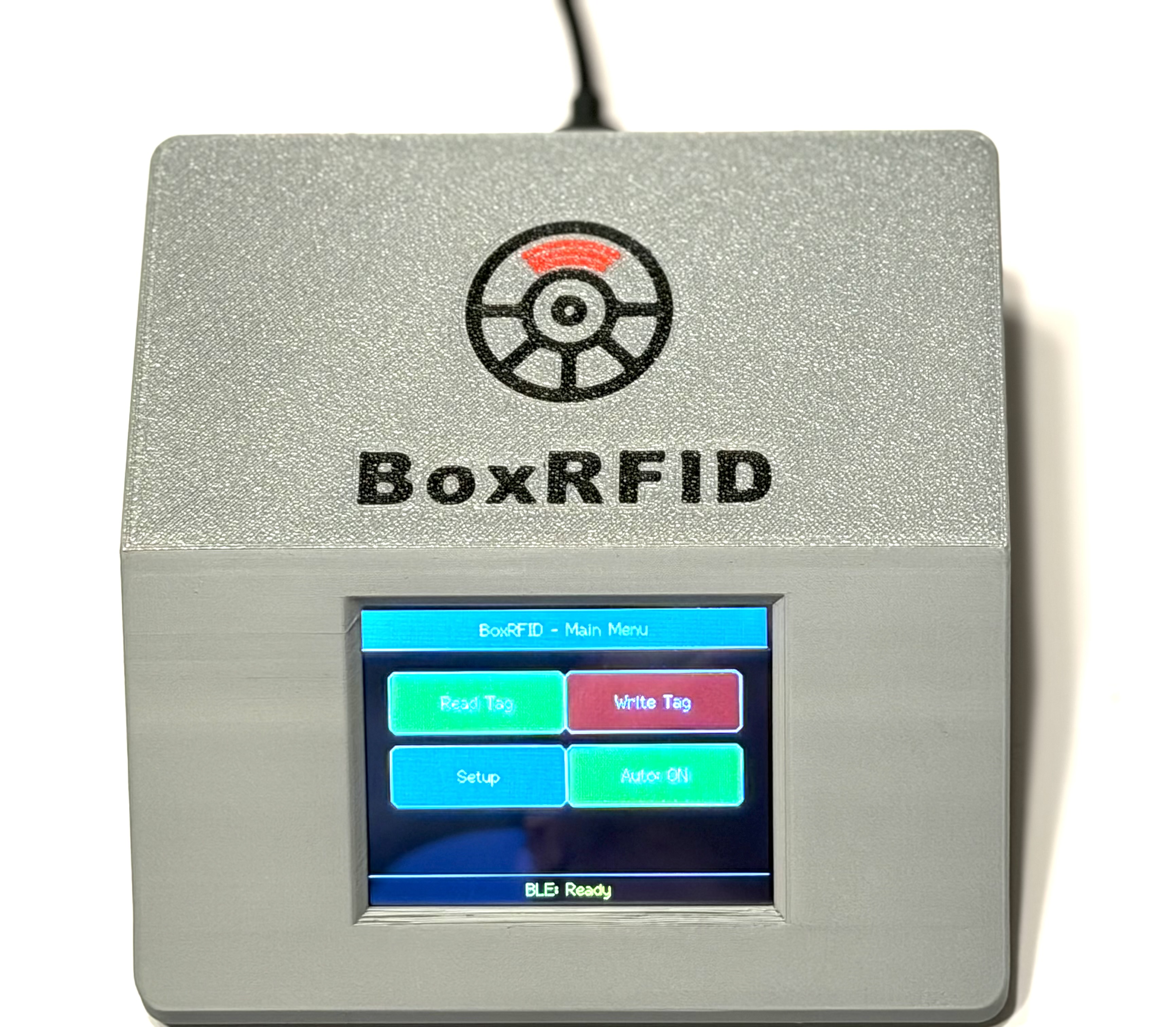
The fastest way to get started. No Arduino IDE, no library setup, no TFT_eSPI configuration.
The web installer now uses one release selector for the public firmware builds:
- V4.2.1 Current Release for the latest combined firmware
- V4.2 Stable Previous if you want the previous combined release
- V4.1 Stable Previous if you want the previous combined release
- V2.1 Classic QIDI for the classic firmware line
- V4.0.1 Fallback for the previous combined QIDI + OpenSpool release

Note: This video shows an older workflow and does not yet reflect the current V4.2.1 release.
| Firmware line | Version | Status | Best use case | Installer |
|---|---|---|---|---|
| BoxRFID OpenSpool Edition | V4.2.1 | Current release | Recommended for most users who want QIDI + OpenSpool, Snapmaker U1 sending, URL/hostname U1 setup, and improved ToolHead variant display | Yes |
| BoxRFID OpenSpool Edition | V4.2 | Stable previous | Previous V4.2 combined release with direct Snapmaker U1 sending and safer storage | Yes |
| BoxRFID OpenSpool Edition | V4.1 | Stable previous | Previous combined release with QIDI CFG, MicroSD backup/restore, and Wi-Fi tools | Yes |
| BoxRFID OpenSpool Edition | V4.0.1 | Stable fallback | Older combined release kept as fallback if you want to step back from the current release line | Yes |
| BoxRFID OpenSpool Edition | V3.7 | Older combined release | Earlier combined release kept for compatibility and reference | No |
| BoxRFID-Touch | V2.1 | Stable classic | Classic QIDI-only workflow | Yes |
| BoxRFID-Touch | V2.0 | Legacy | Older classic QIDI release kept only for compatibility | No |
Public firmware folders in this repository:
- BoxRFID-Touch V2.0
- BoxRFID-Touch V2.1
- BoxRFID OpenSpool Edition V3.7
- BoxRFID OpenSpool Edition V4.0
- BoxRFID OpenSpool Edition V4.0.1
- BoxRFID OpenSpool Edition V4.1
- BoxRFID OpenSpool Edition V4.2
- BoxRFID OpenSpool Edition V4.2.1
Source folders:
- BoxRFID-Touch V2.1 source
- BoxRFID OpenSpool Edition V3.7 source
- BoxRFID OpenSpool Edition V4.0 source
- BoxRFID OpenSpool Edition V4.0.1 source
- BoxRFID OpenSpool Edition V4.1 source
- BoxRFID OpenSpool Edition V4.2 source
- BoxRFID OpenSpool Edition V4.2.1 source
Documentation:
- Firmware Matrix
- Version History
- BoxRFID-Touch V2.1 documentation
- BoxRFID OpenSpool Edition V4.x documentation
BoxRFID-Touch is a standalone reader/writer for compatible filament RFID/NFC tags and boxes, so normal day-to-day use does not require a PC.
It is designed for three clearly separated workflow groups:
- OpenSpool Standard RFID/NFC tags
- Snapmaker U1 with paxx12 Extended Firmware using the extended OpenSpool data model
- QIDI Q2 / Plus 4 / Max 4 used together with QIDI Box
Core capabilities across the firmware lines:
- manual tag reading
- automatic tag reading on the main screen
- direct tag writing on the touchscreen
- multilingual user interface
- persistent setup storage
- local editable material and manufacturer lists
Additional capabilities in the OpenSpool Edition:
- QIDI mode and OpenSpool mode in one firmware
- OpenSpool Standard and Snapmaker U1 / paxx12 Extended Firmware workflows
- flexible color, HEX, numeric, and variant inputs
- per-model QIDI databases
- MicroSD and Wi-Fi based official QIDI CFG support in the V4.x release line
Latest release highlights:
- current QIDI Box + OpenSpool + Snapmaker U1 all-in-one release
- redesigned Tag senden workflow for sending tag data directly to Snapmaker U1 ToolHeads
- direct ToolHead menu with localized UI text
- send the currently selected QIDI, OpenSpool Standard, or OpenSpool Snapmaker U1 write data directly to a Snapmaker U1 ToolHead from the write screens
- send buttons are disabled visually when Wi-Fi/U1 setup is incomplete and show a setup reminder when tapped
- mixed-format tag reading for send mode: QIDI and OpenSpool tags are detected automatically, independent of the active firmware mode
- ToolHead status refresh through Snapmaker U1 GET requests, including filament type and color display
- ToolHead filament variants are shown on a second line when present; empty,
None, andKeinevariants are hidden - clear
Leer/EmptyToolHead state when no filament data is reported - automatic contrast selection for ToolHead buttons so text remains readable on light and dark filament colors
- filament-sensor safety check before sending: if filament is detected in the target ToolHead, the firmware asks for confirmation before overwriting
- Snapmaker U1 setup accepts an IP address, hostname, or URL such as
http://u1.local - 3 second tag information popup before returning to the ToolHead send menu
- refreshed ToolHead status after sending so the user can immediately see whether the update arrived
- safer preference loading for edited lists and Wi-Fi/Snapmaker settings to avoid crashes after user-defined QIDI materials/manufacturers
- kept V4.2, V4.1, V4.0.1, and V2.1 in the installer as selectable fallback paths
For the full ongoing release history, see Version History.
- Choose BoxRFID OpenSpool Edition V4.2.1 if you want the latest release for QIDI Box, OpenSpool Standard, and Snapmaker U1 with paxx12 Extended Firmware, including direct ToolHead sending and improved ToolHead variant display.
- Choose BoxRFID OpenSpool Edition V4.2 if you want the previous V4.2 combined release.
- Choose BoxRFID OpenSpool Edition V4.1 if you want the previous combined release.
- Choose BoxRFID OpenSpool Edition V4.0.1 if you want the previous combined release as a fallback.
- Choose BoxRFID OpenSpool Edition V3.7 only if you specifically want the older combined release.
- Choose BoxRFID-Touch V2.1 if you only need the classic QIDI firmware line.
- Use BoxRFID-Touch V2.0 only if you specifically need the older classic firmware.
- Connect the ESP32 board via USB.
- Open the Web Installer.
- Click Connect.
- Select the correct serial port.
- Choose the desired firmware from the release selector:
V4.2.1for the latest combined releaseV4.2for the previous combined releaseV4.1for the previous combined releaseV4.0.1for the combined fallback releaseV2.1for the classic QIDI release
- Flash the firmware.
Notes:
- Use Chrome or Edge
- Use a data-capable USB cable
- Reconnect the board if it is not detected immediately
- If needed, hold the BOOT button while connecting
- Flashing will overwrite the existing firmware on the device
The web installer is recommended. If you compile V4.2.1 manually in Arduino IDE, use these settings:
- Board: ESP32-2432S028R CYD
- CPU Frequency: 240MHz (WiFi/BT)
- Flash Frequency: 80MHz
- Flash Mode: QIO
- Flash Size: 4MB
- Partition Scheme: Default 4MB with spiffs (1.2MB APP/1.5MB SPIFFS)
- Arduino Runs On: Core 1
- Events Run On: Core 1
- Core Debug Level: None
- Zigbee Mode: Disabled
Upload speed:
921600can work on many boards.- If upload stops responding, use
460800or115200. - Use a data-capable USB cable and hold
BOOTwhile connecting if the board is not detected.
Main hardware:
- ESP32-2432S028R CYD
- PN532 NFC/RFID module
- USB cable
- Jumper wires
Supported tag types:
- QIDI workflow: MIFARE Classic 1K tags
- OpenSpool workflow: NTAG215 tags
QIDI support:
- QIDI Q2 with QIDI Box
- QIDI Plus 4 with QIDI Box
- QIDI Max 4 with QIDI Box
OpenSpool support:
- OpenSpool Standard RFID/NFC tags
- Snapmaker U1 with paxx12 Extended Firmware
- Snapmaker U1 with OpenRFID support
- direct Snapmaker U1 ToolHead sending over Wi-Fi when the U1 host and port are configured
Classic firmware line for:
- classic QIDI-style workflow
- MIFARE Classic 1K tags
Set the PN532 module to I2C mode before use.
ESP32-2432S028R CYD    PN532
-------------------    -----
3.3V                -> VCC
GND                 -> GND
GPIO 27             -> SDA
GPIO 22             -> SCL
Electronics:
- ESP32-2432S028R CYD Amazon Germany Amazon USA
- PN532 NFC/RFID module Amazon Germany Amazon USA
- Female to Female USB-C Data Cable Amazon Germany Amazon USA
- USB-C switch Amazon Germany Amazon USA
- Jumper wires
Case:
 Electronic parts |
 PN532 RFID sensor |
 Set PN532 to I2C mode |
 ESP32-2432S028R |
 Connect the cables |
 ESP32 detail view |
 PN532 detail view |
 Front view |
 Back view |
 Side view |
 Mounted device |
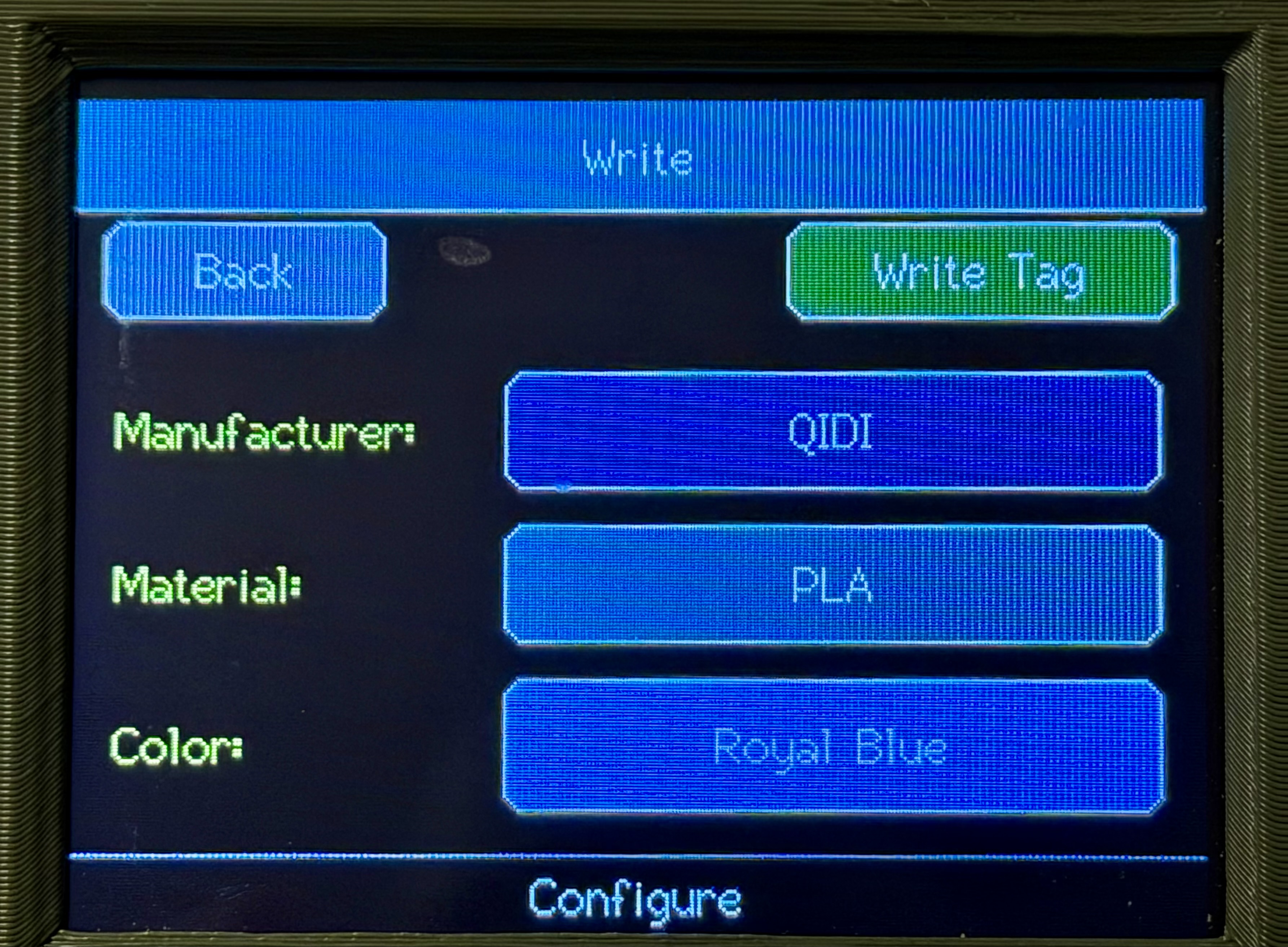
The animations below show the BoxRFID OpenSpool Edition V4.x write workflows directly on the device UI.
 QIDI write workflow Write flow for QIDI mode with manufacturer, material, color selection, and successful tag writing. |
 OpenSpool Standard write workflow Standard OpenSpool tag writing with color picker, HEX input, temperature editing, and successful tag writing. |
 Snapmaker U1 write workflow Extended OpenSpool workflow for Snapmaker U1 including advanced material fields, multiple colors, and successful tag writing. |
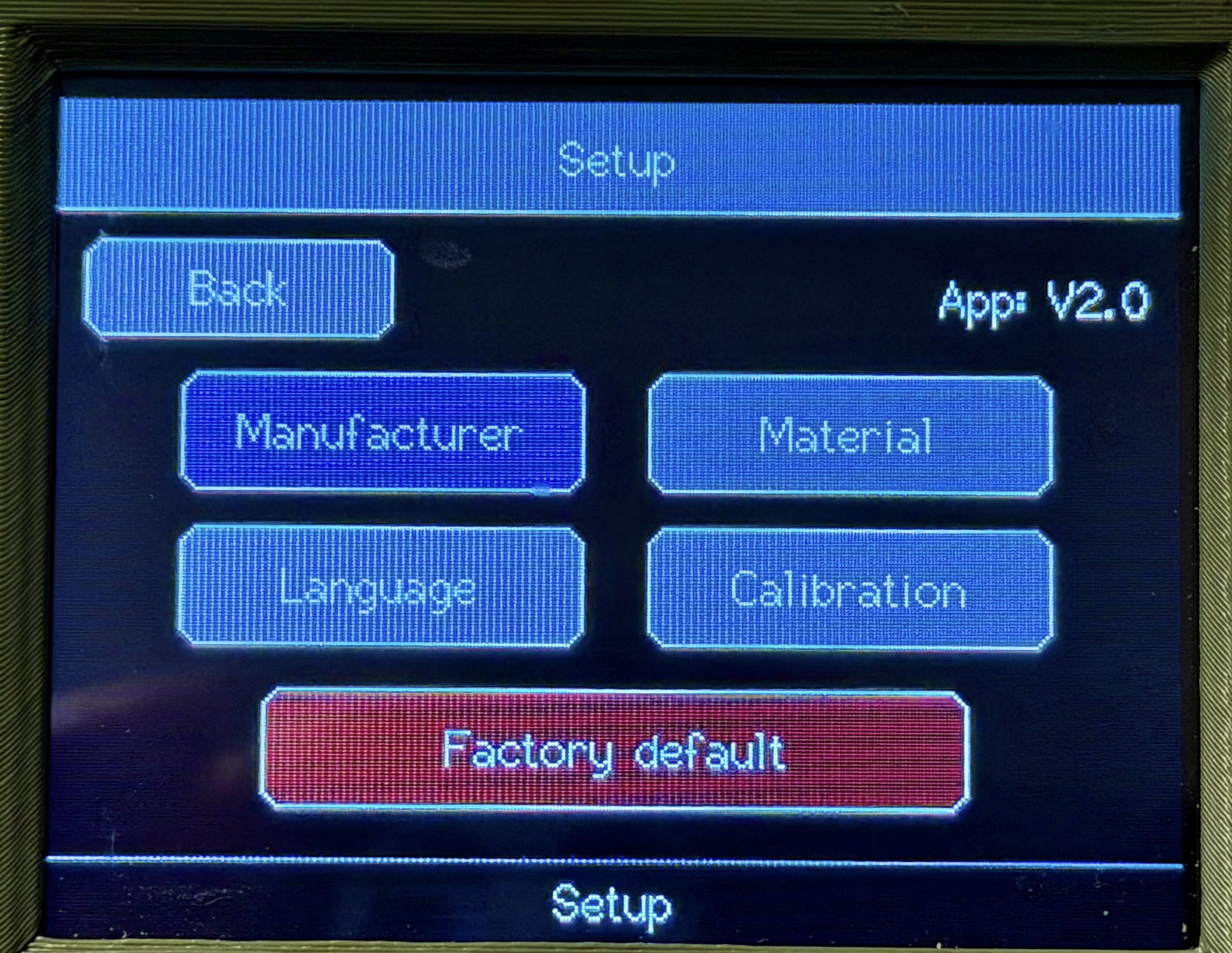
Note: The UI screenshots below currently show an older interface and not the current BoxRFID OpenSpool Edition V4.2 release.
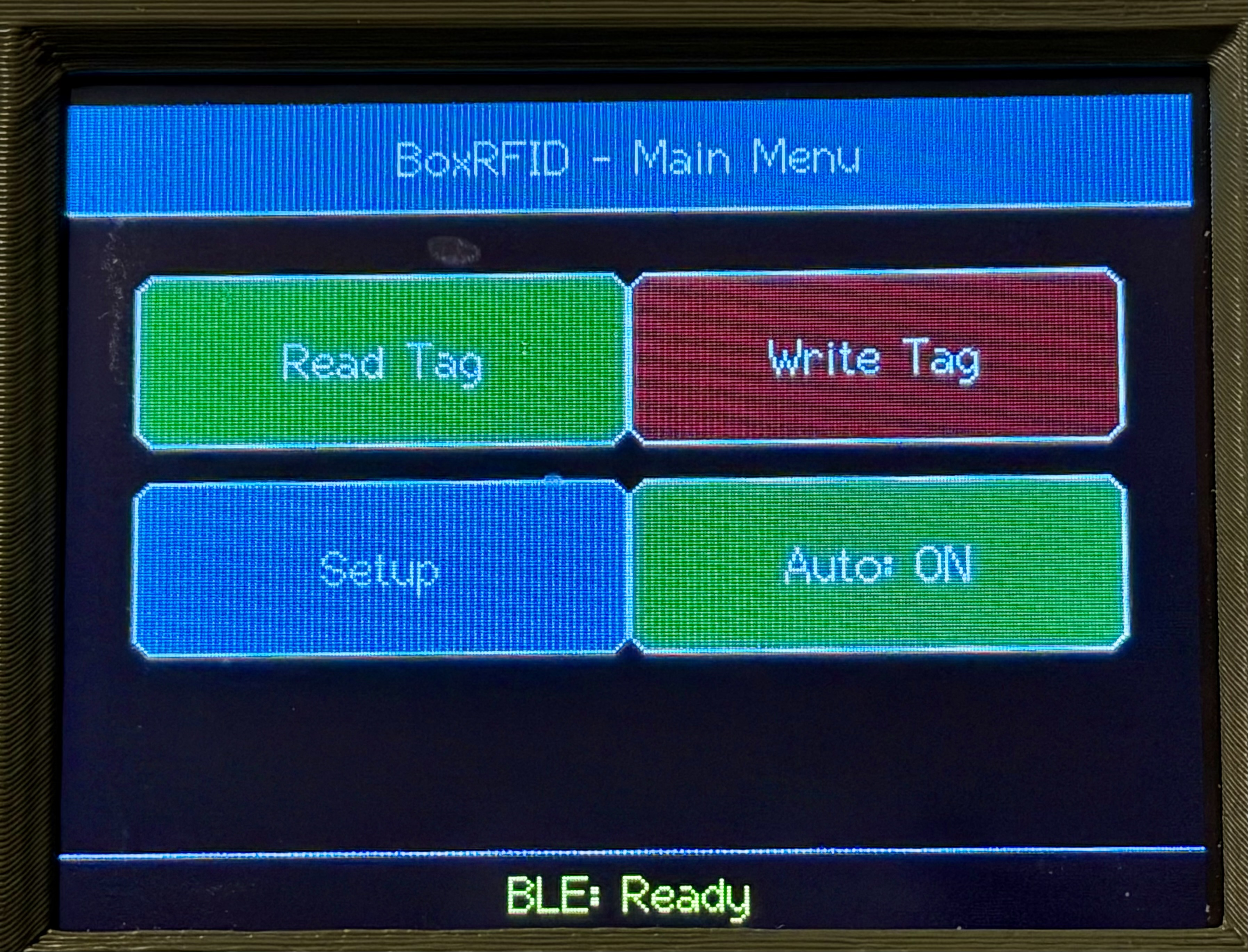 Home |
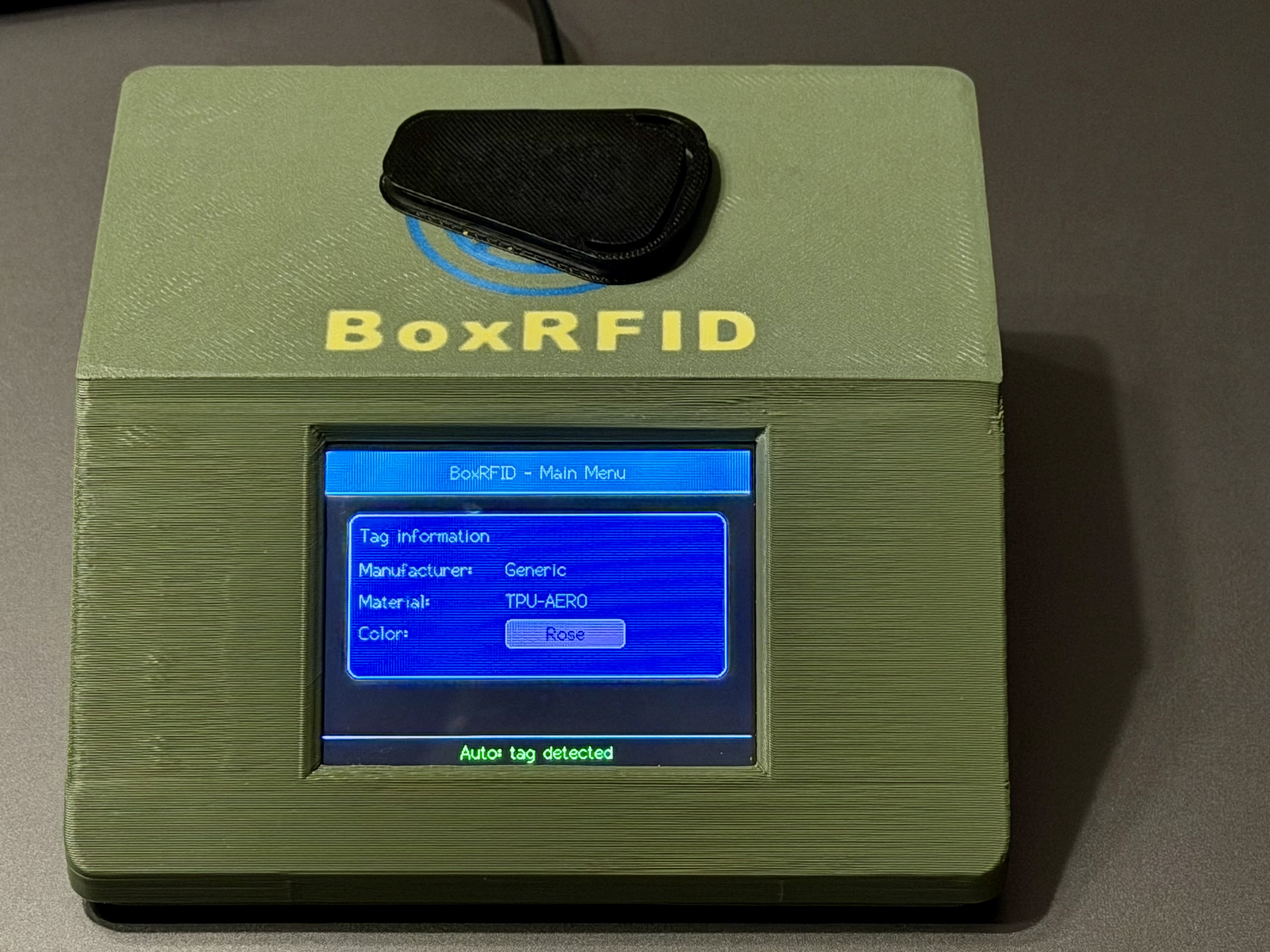 Read Tag |
 Write Main |
 Setup Main |
If you need a Windows desktop program, see BoxRFID.
CC BY-NC-SA 4.0