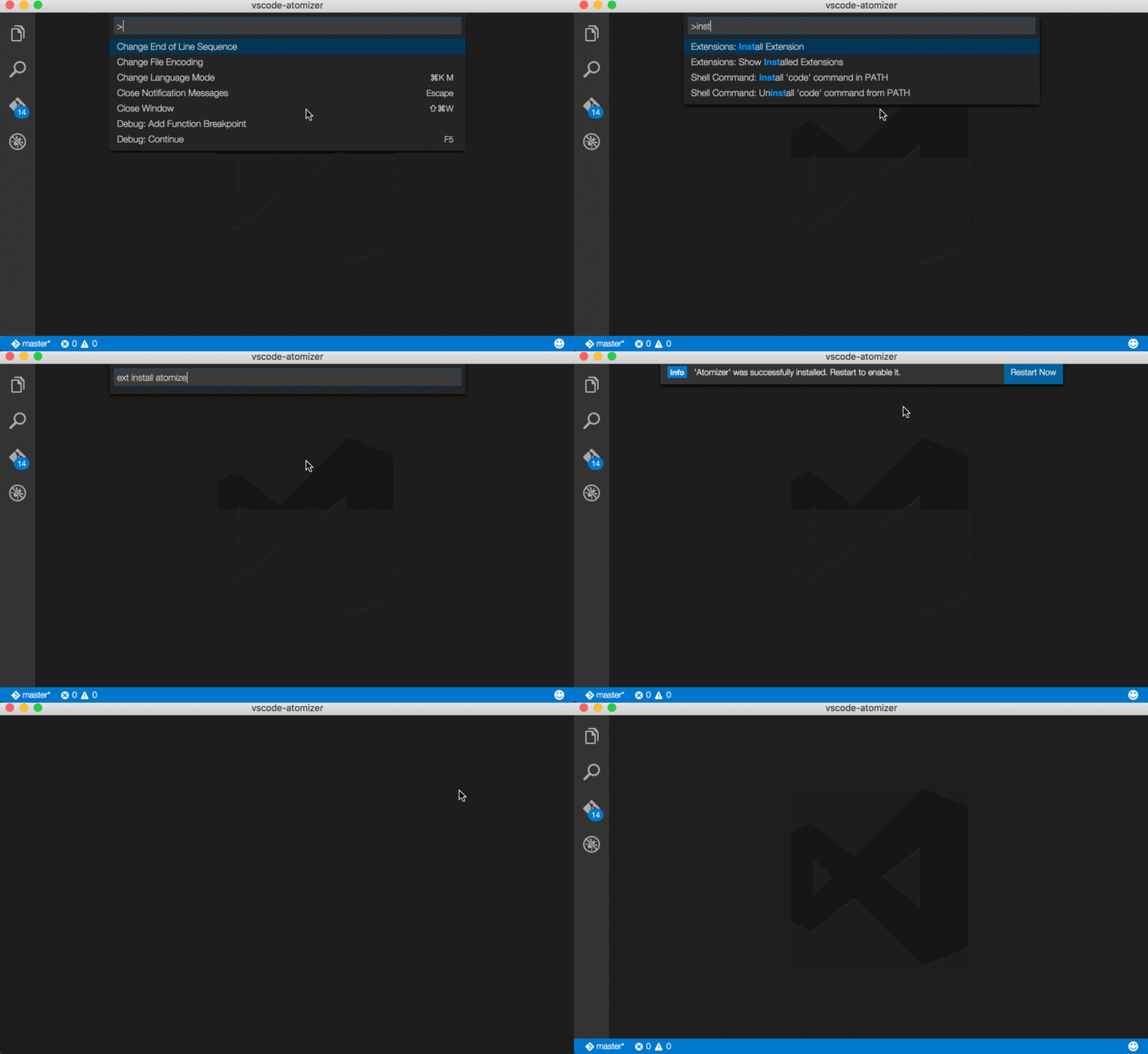
The extension activates automatically when it finds the atomizer.json file in the root of the project directory. A typical file looks like the following,
{
    "input"     : "./app/components/*.html",
    "output"    : "./app/css/atomic.css",

    "config"    : {
        "breakPoints": {
            "sm": "@media(min-width=750px)",
            "md": "@media(min-width=1000px)",
            "lg": "@media(min-width=1200px)"
        },
        "custom": {
            "1": "1px solid #000",
            "foo": "2px dotted #f00"
        },
        "classNames": []
    }
}
Please restart the editor and then open the project folder in VSCode for the changes to take effect. The autocomplete will work only for the files with the following extensions,
.html,.htm,.jsand.jsx.

