Take the store screenshots with each release - #299
Merged
Merged
Conversation


Every release now runs the store-screenshots workflow and puts its
screenshots in the release commit, so the store listing always shows
the app as released: F-Droid reads them from the tag, and the release
sends them to Google Play with the rest of the listing.

The screenshots move off master, since they're each release's own: a
copy there would go stale, and the play-listing workflow would send it
back to Play. It now sends the text, icon and feature graphic, leaving
Play's screenshots to releases. A screen that looks the same as in the
last release stays the same file, so releases don't store it again, and
when the screenshots fail the release keeps the last release's.

Pull requests' screenshot comments compare with the latest release.
The Play lock now covers only the release job, so the emulator run
doesn't hold back development builds.

Co-Authored-By: Claude Opus 5.5 <noreply@anthropic.com>
Claude-Session: https://claude.ai/code/session_012foWs5vBJrYTDtfyFhJ3ky

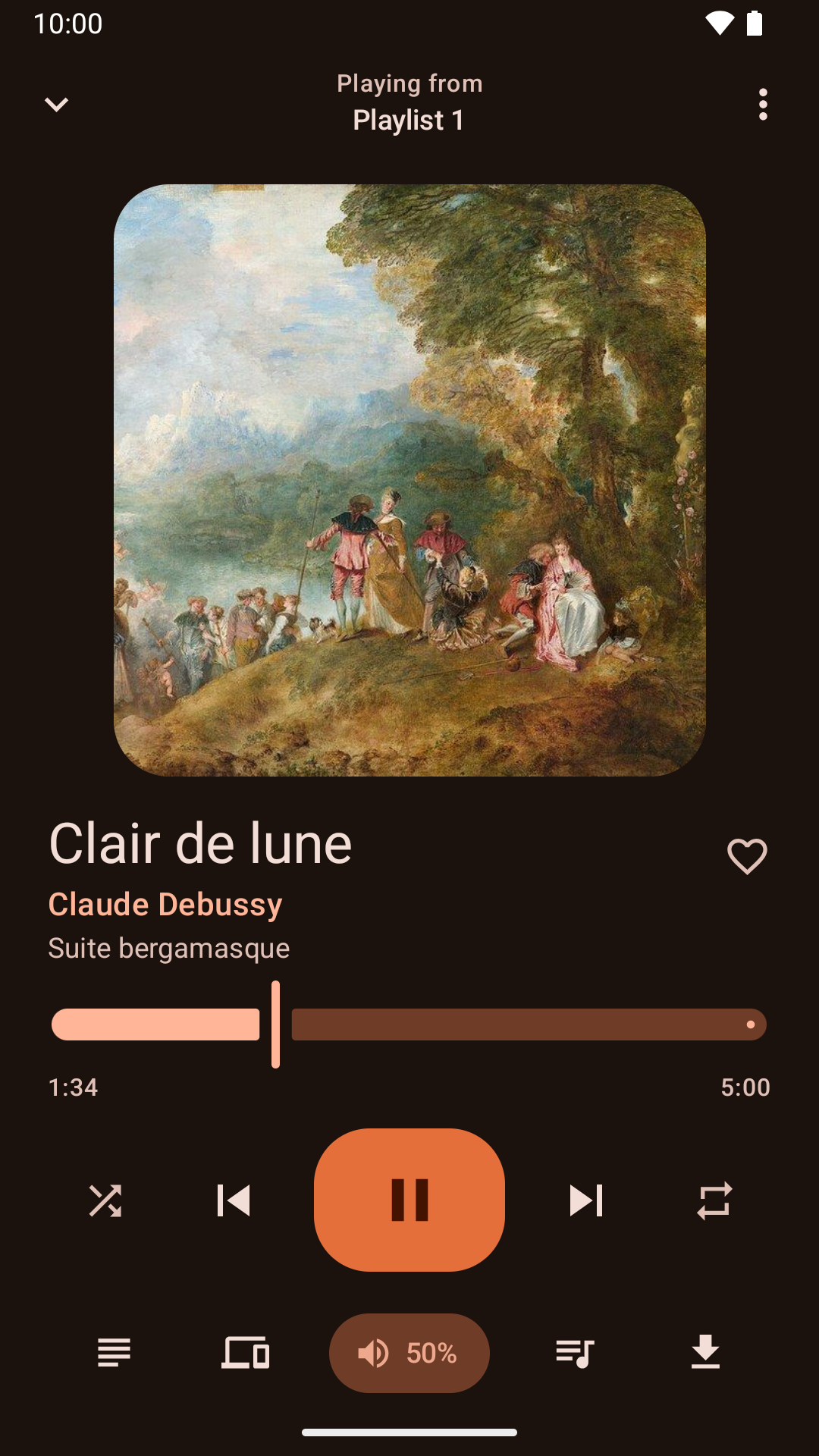
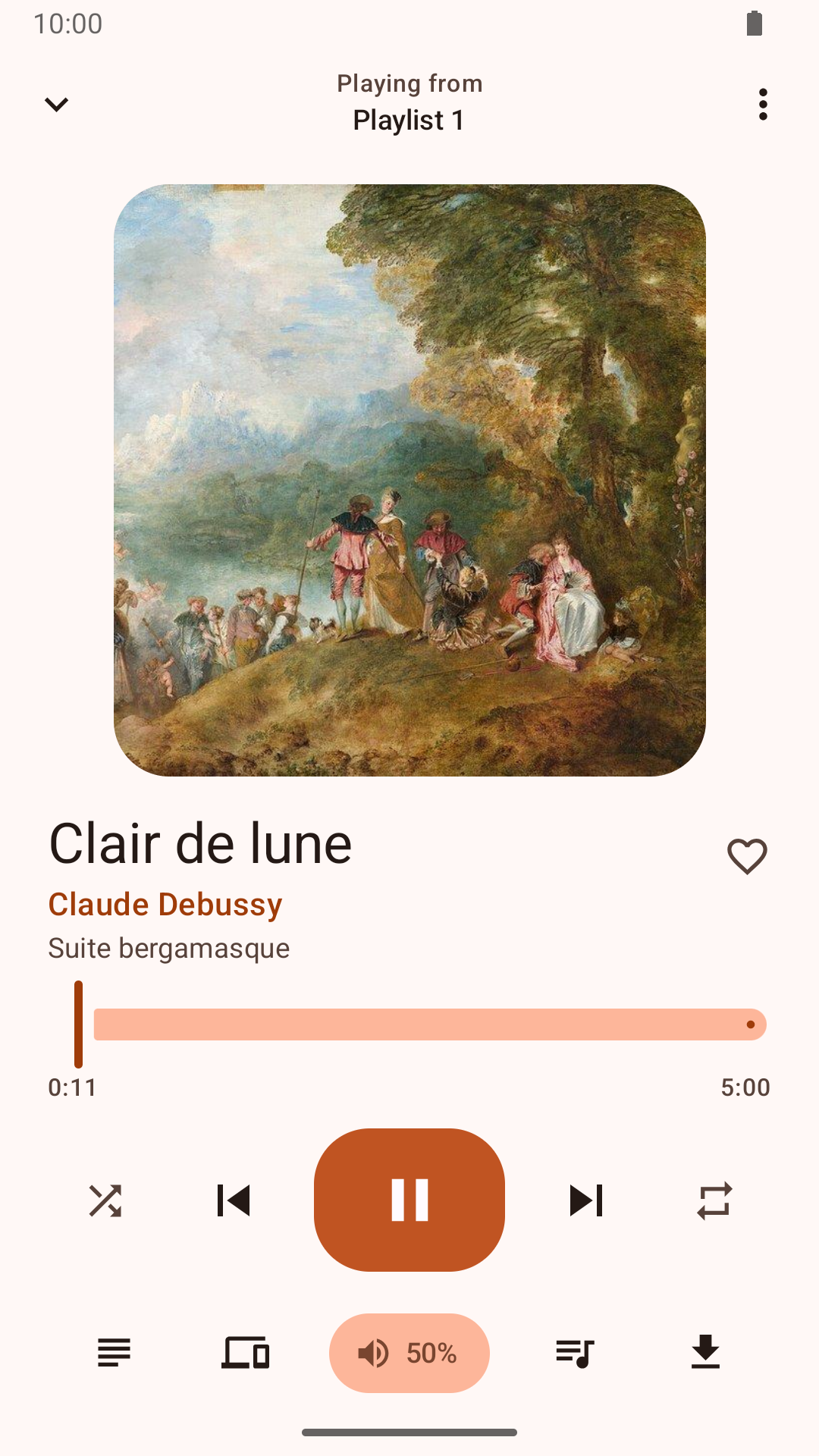
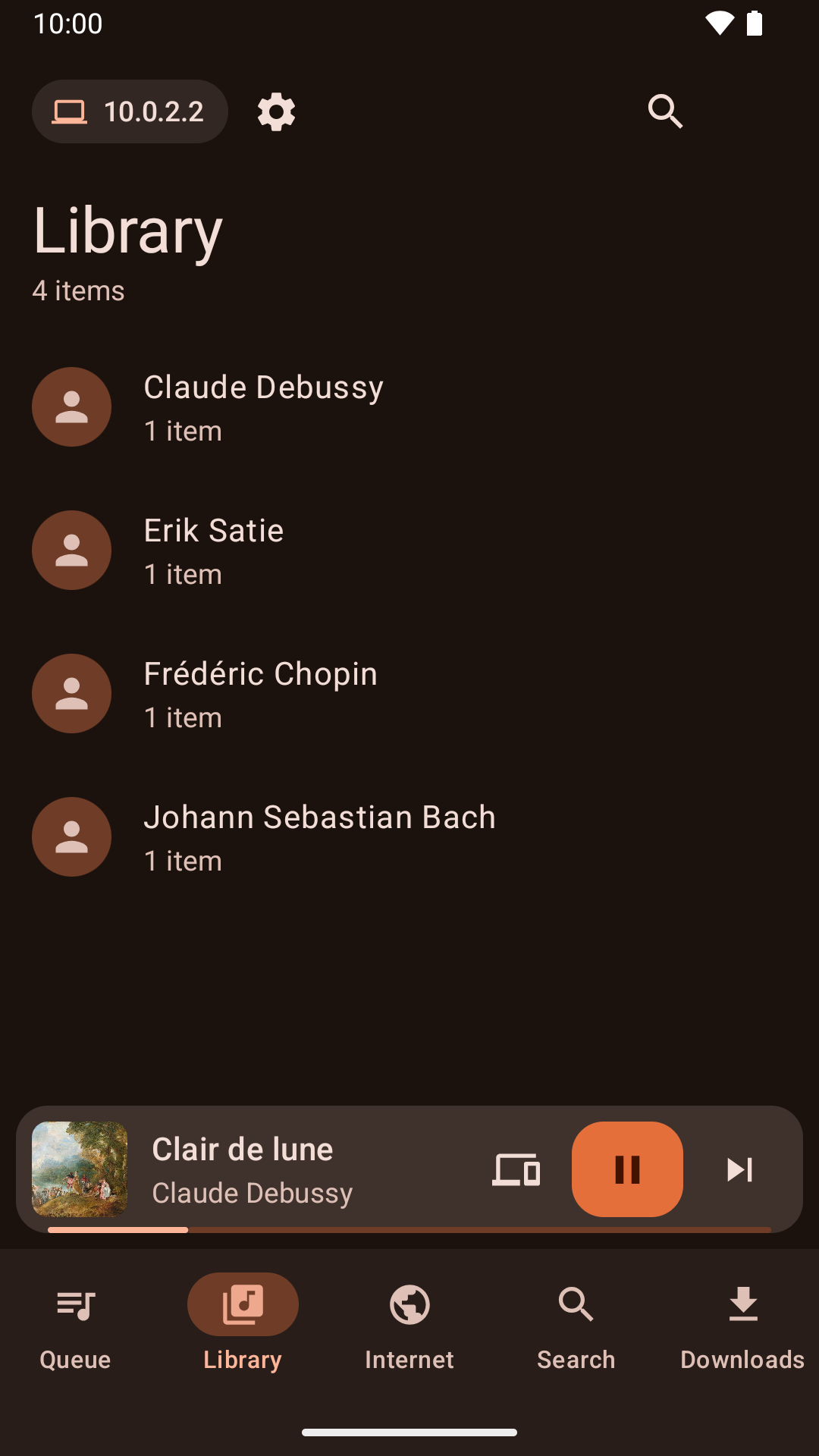
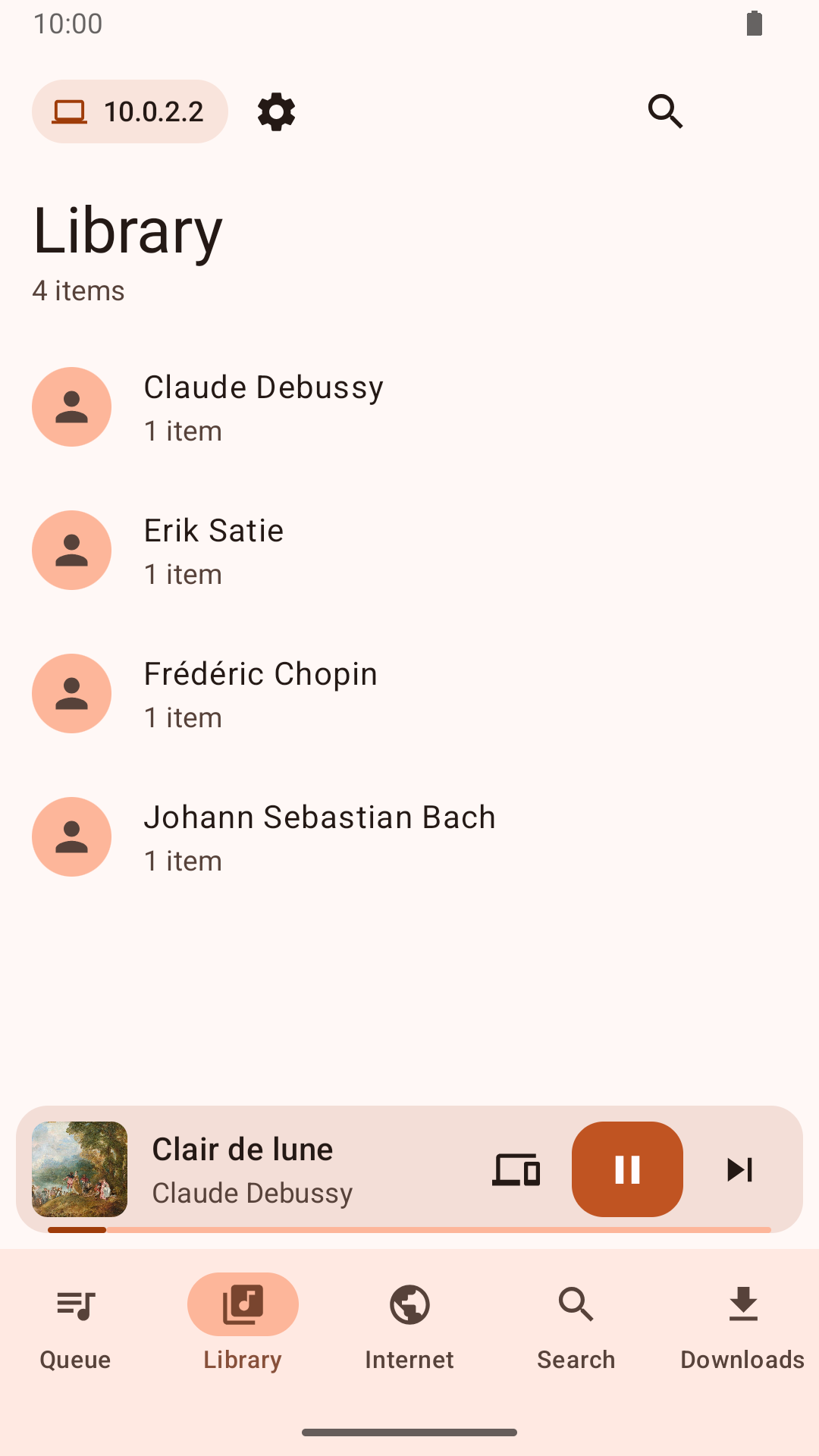
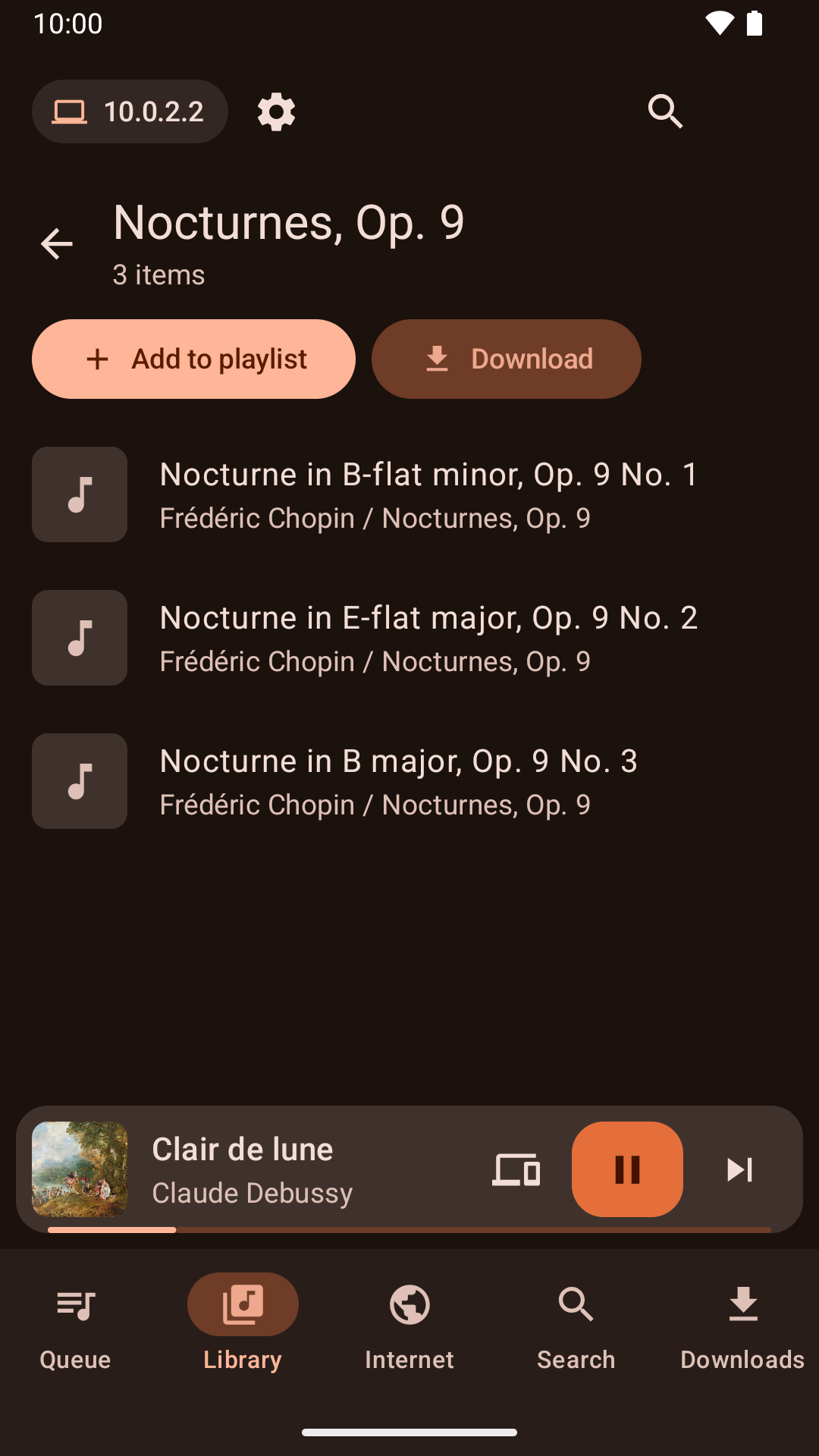
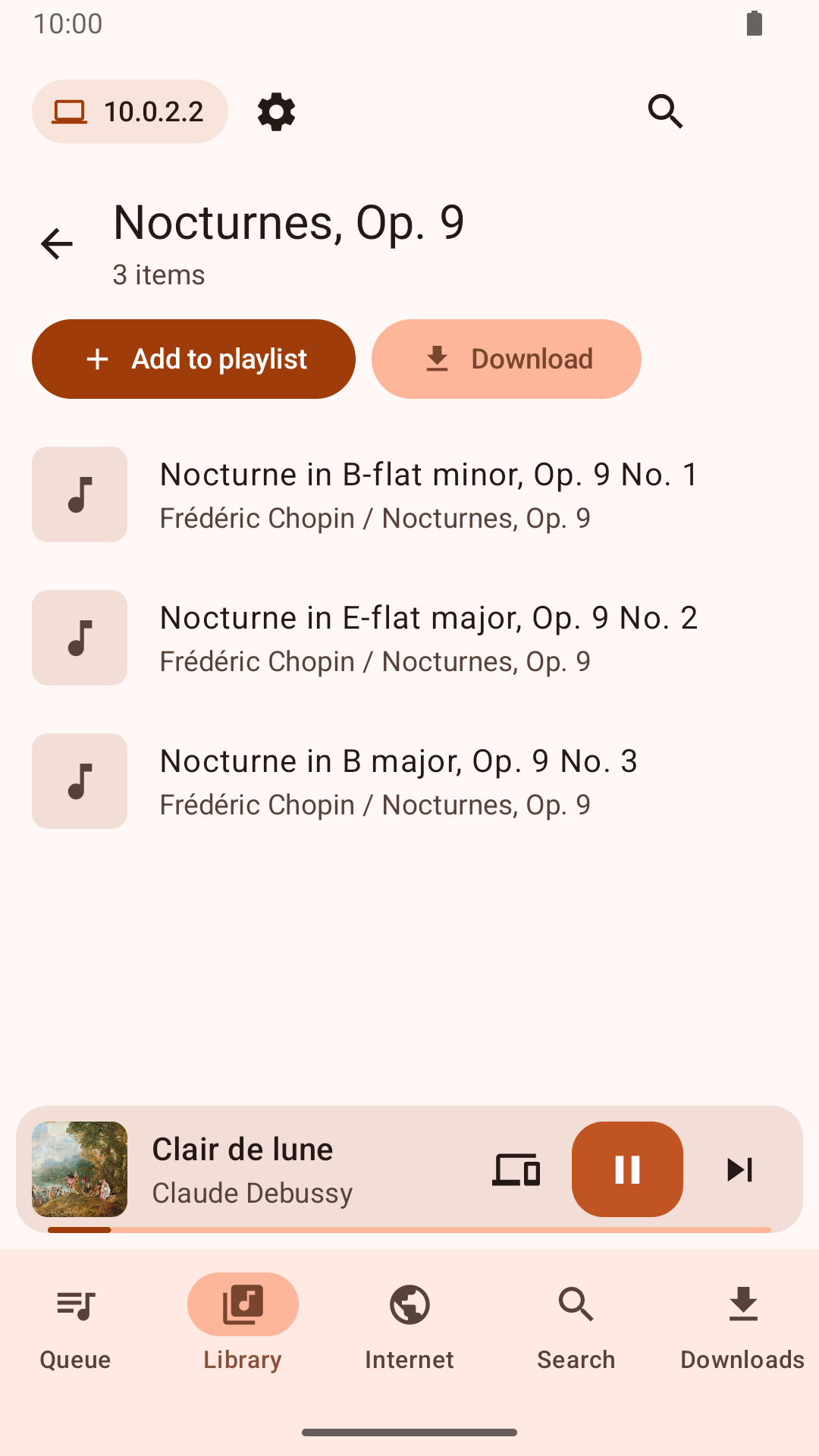
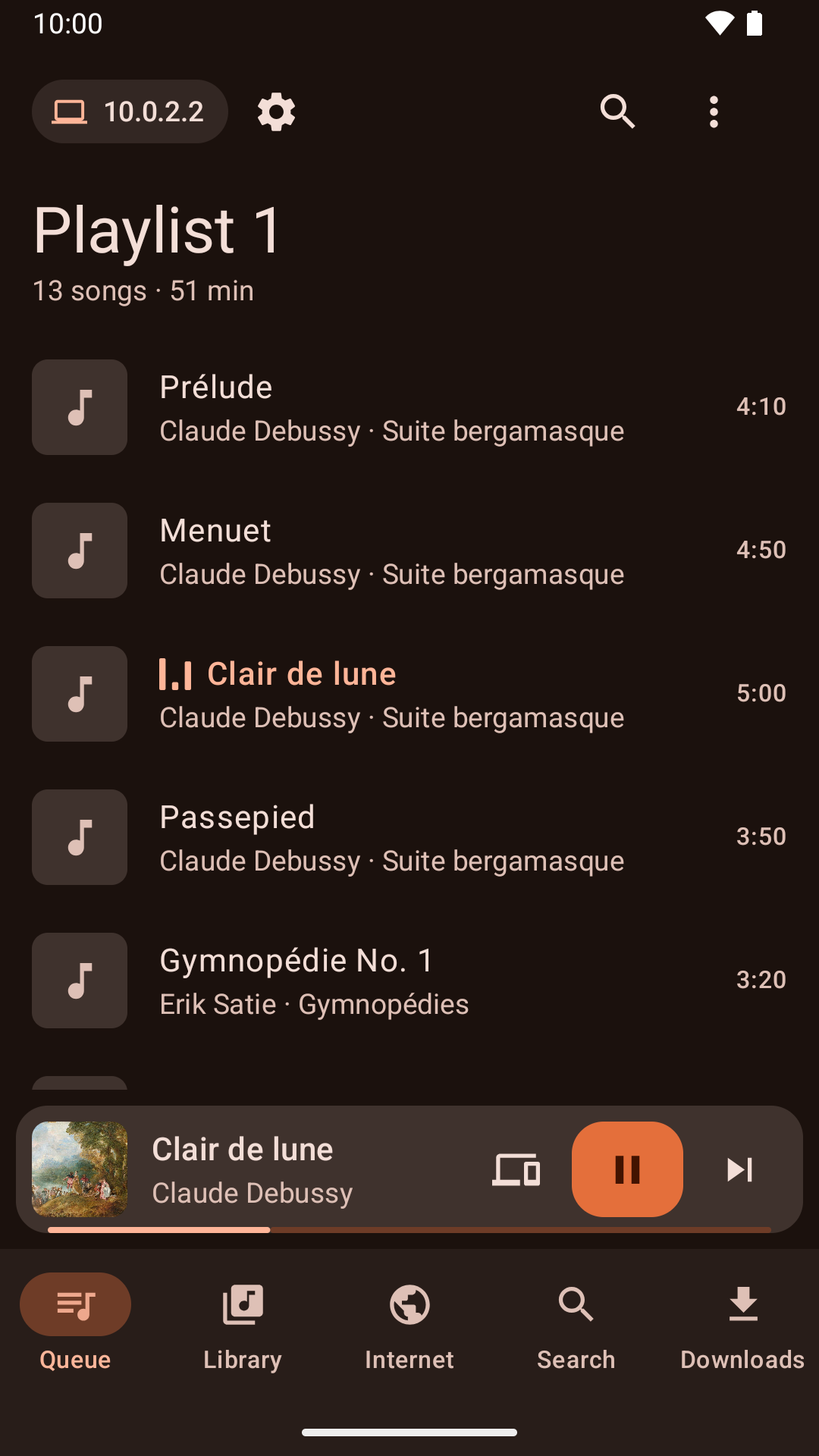
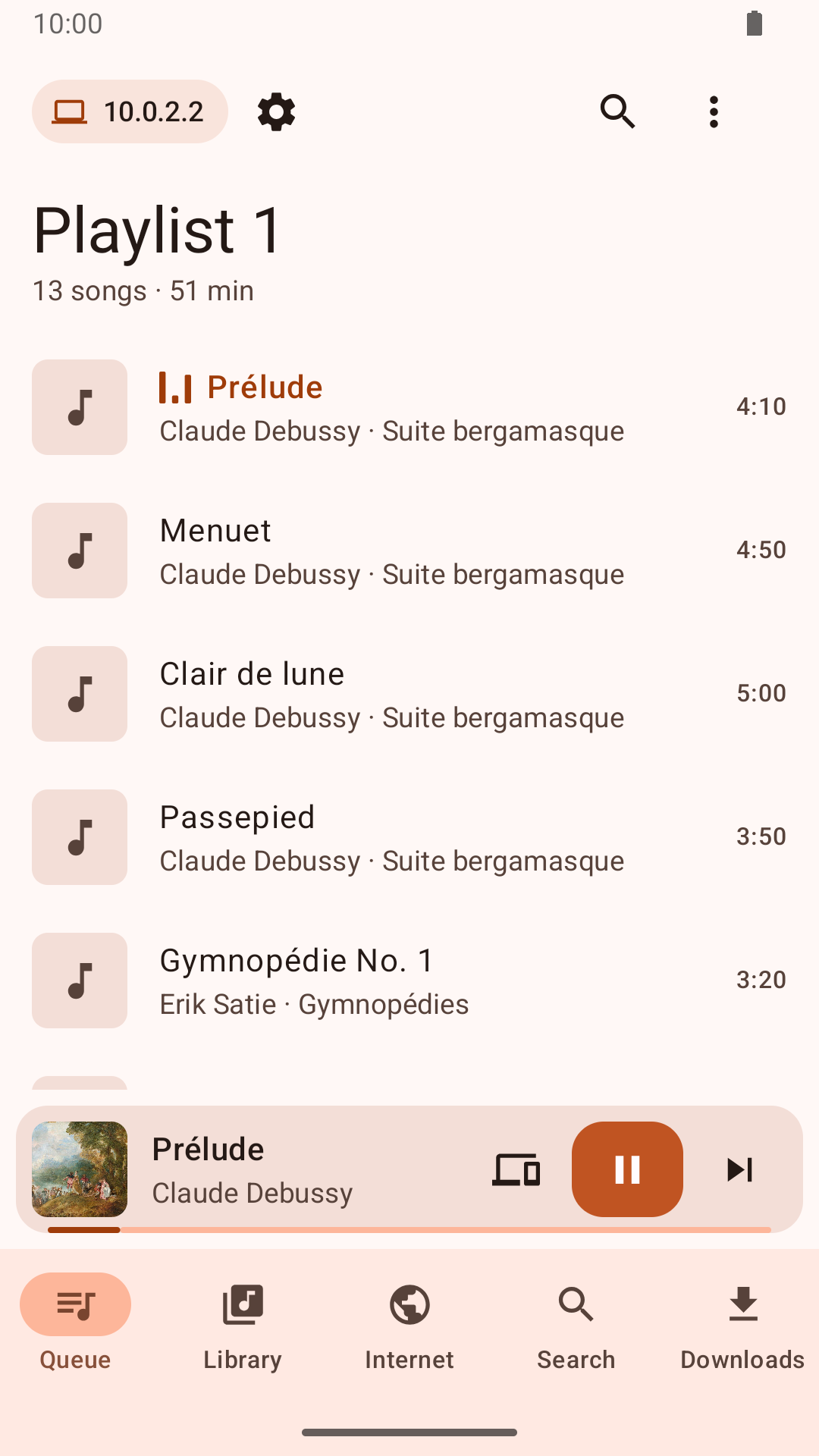
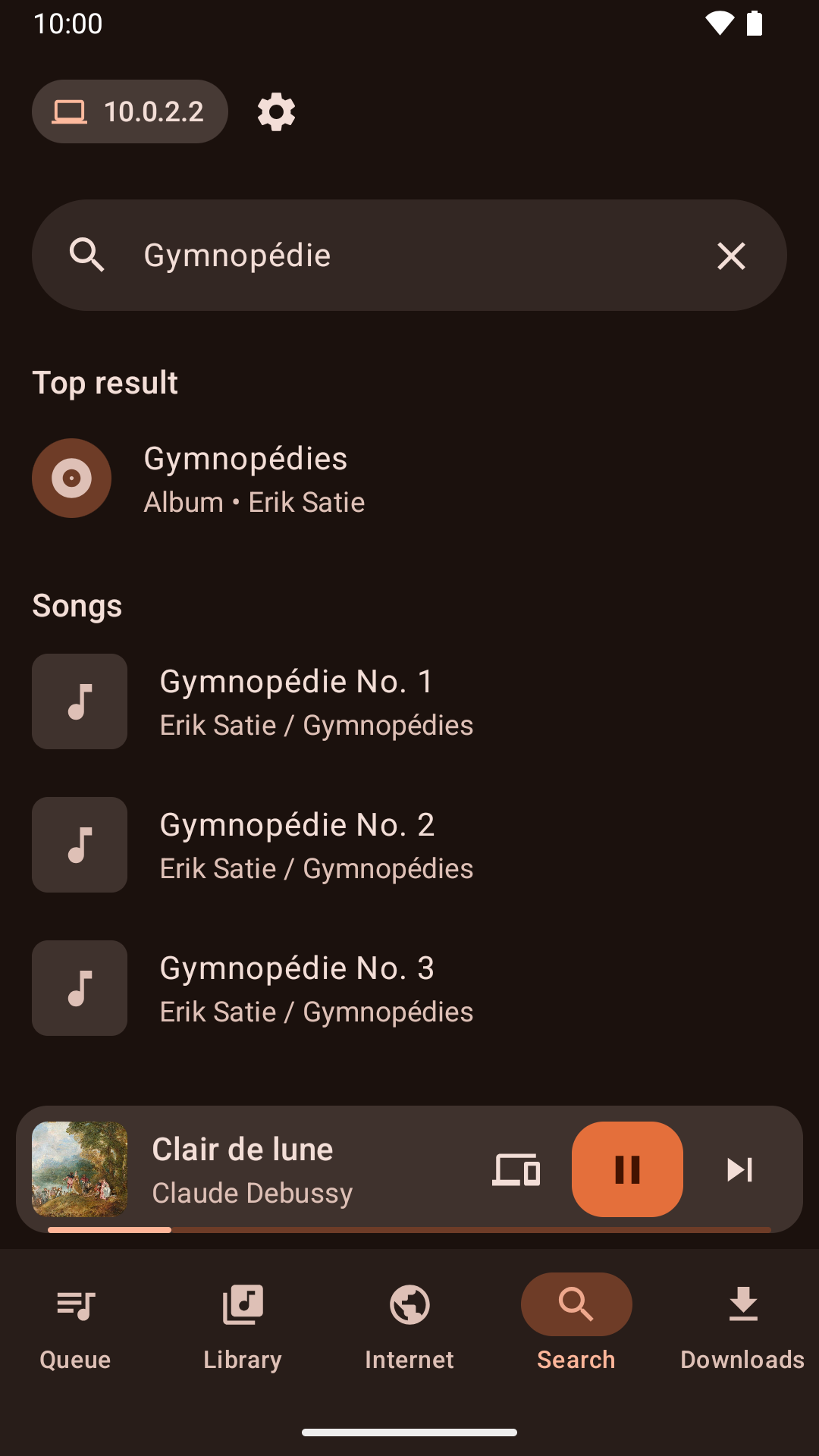
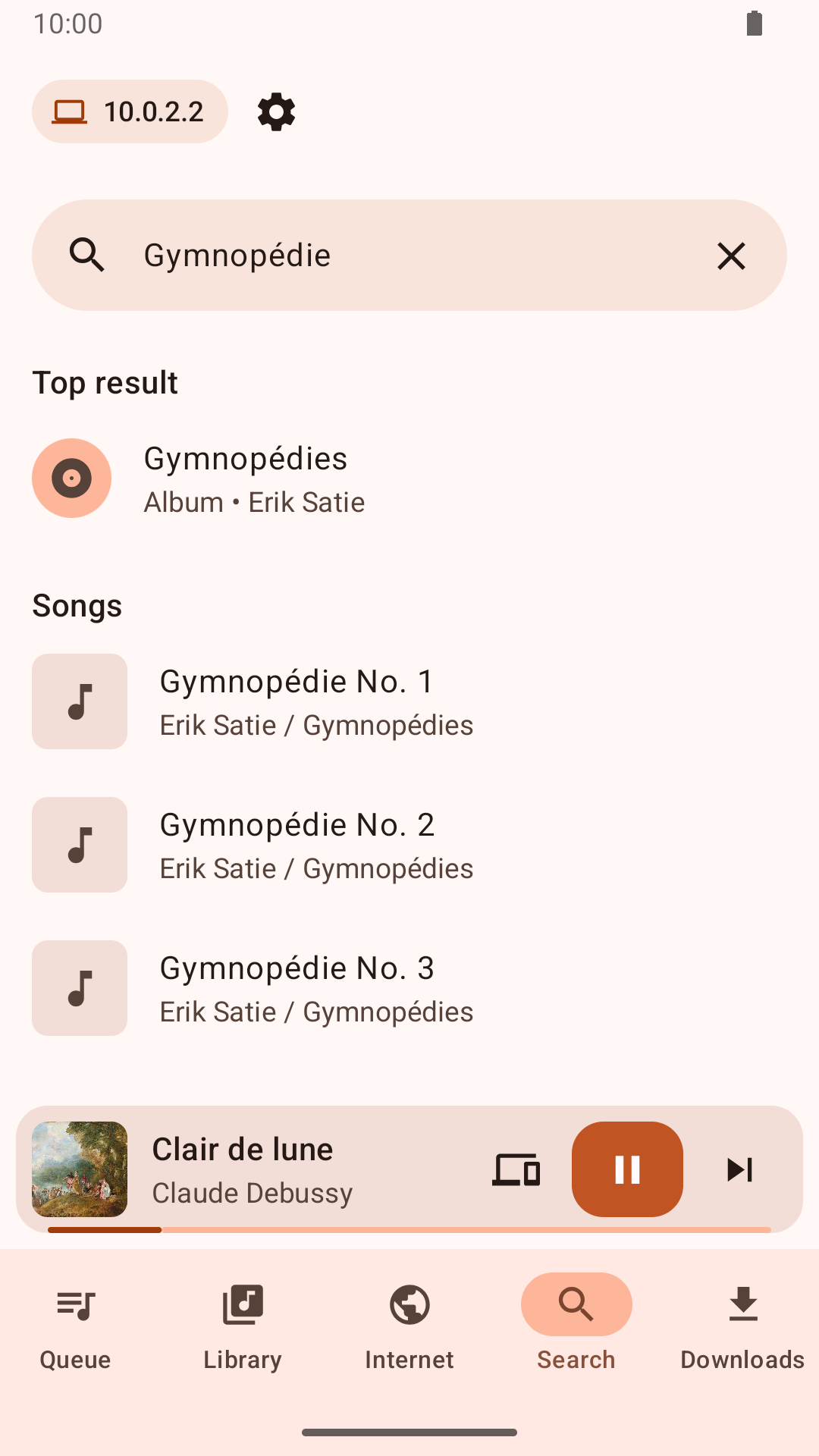
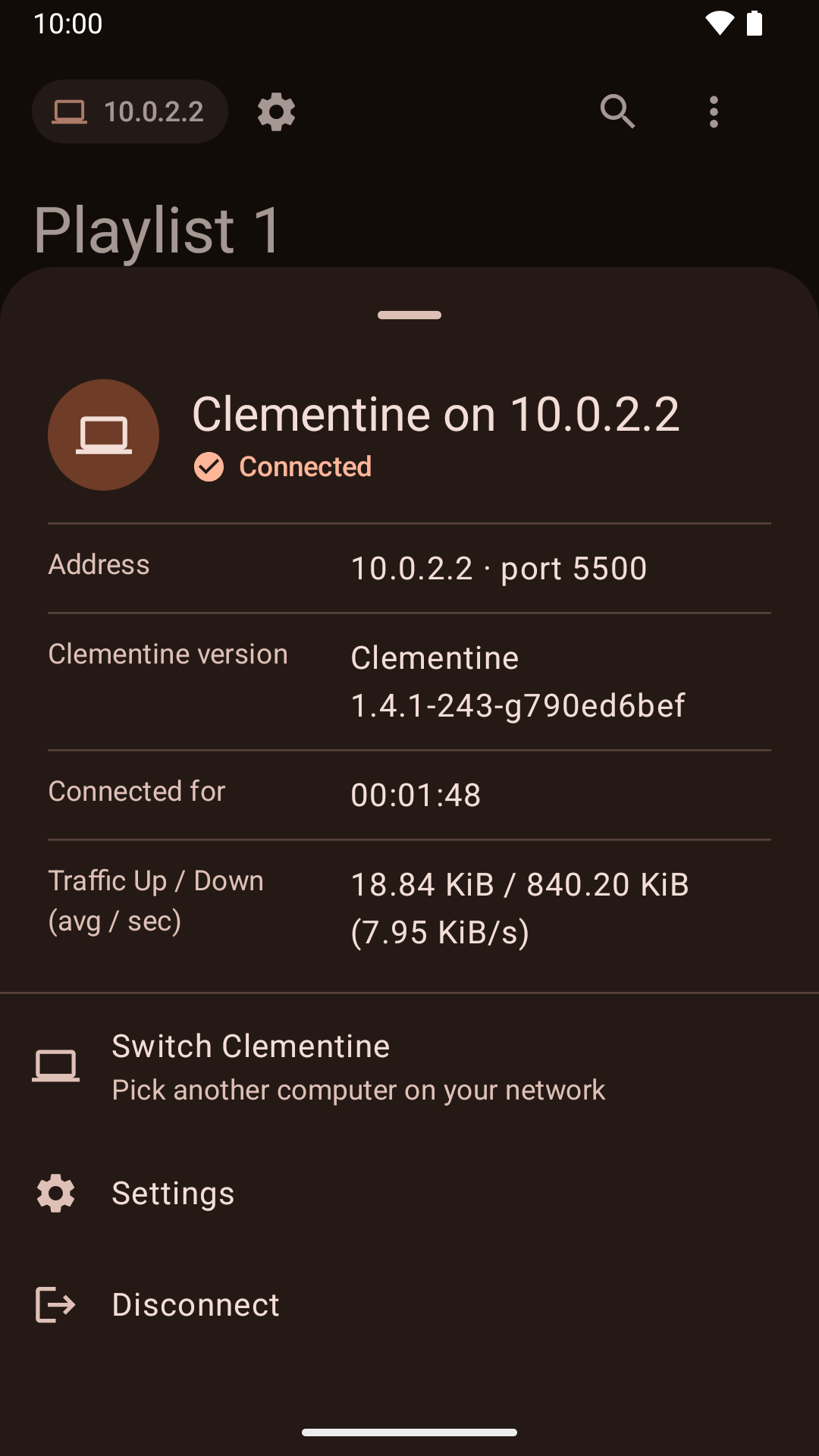
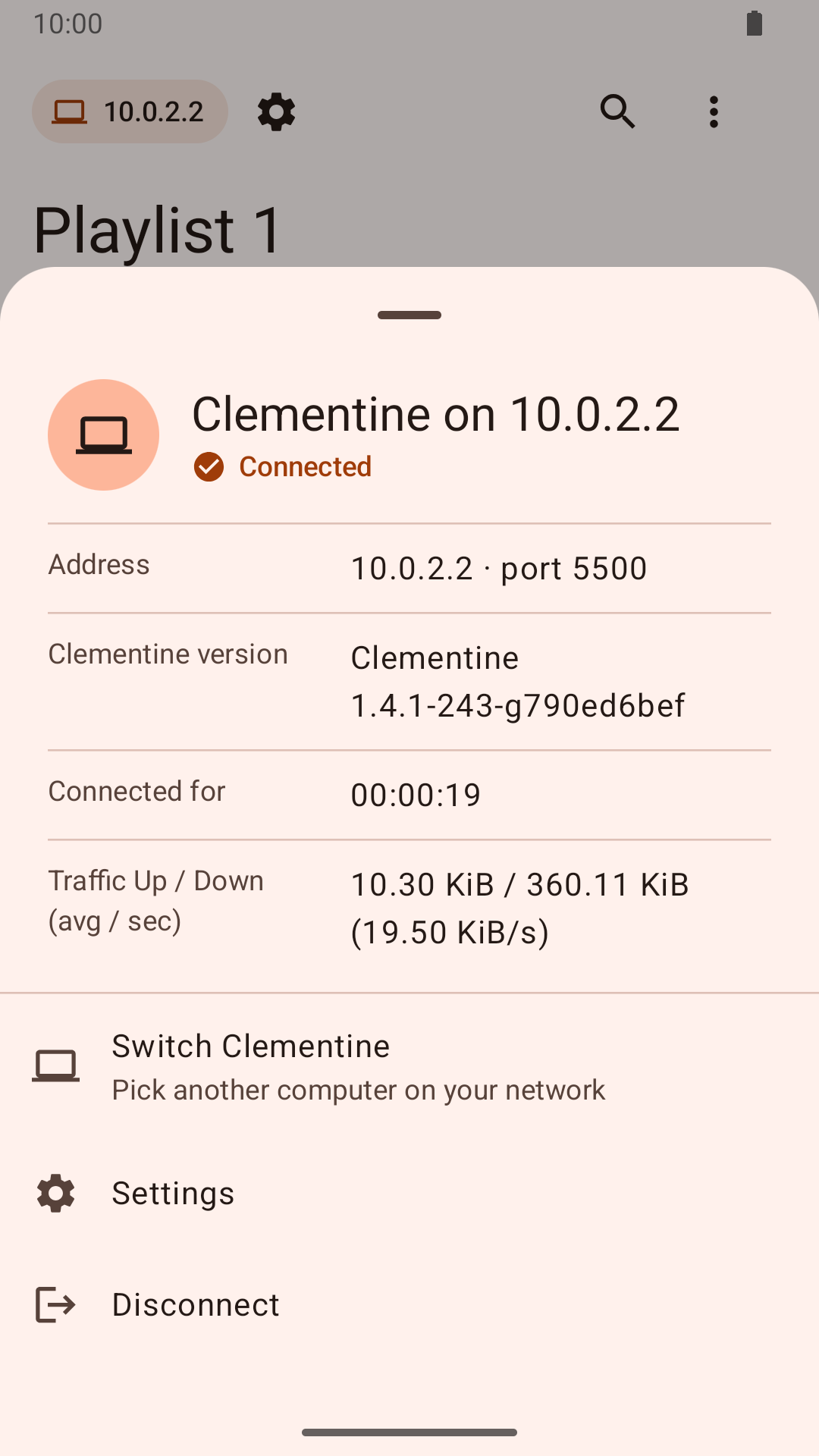
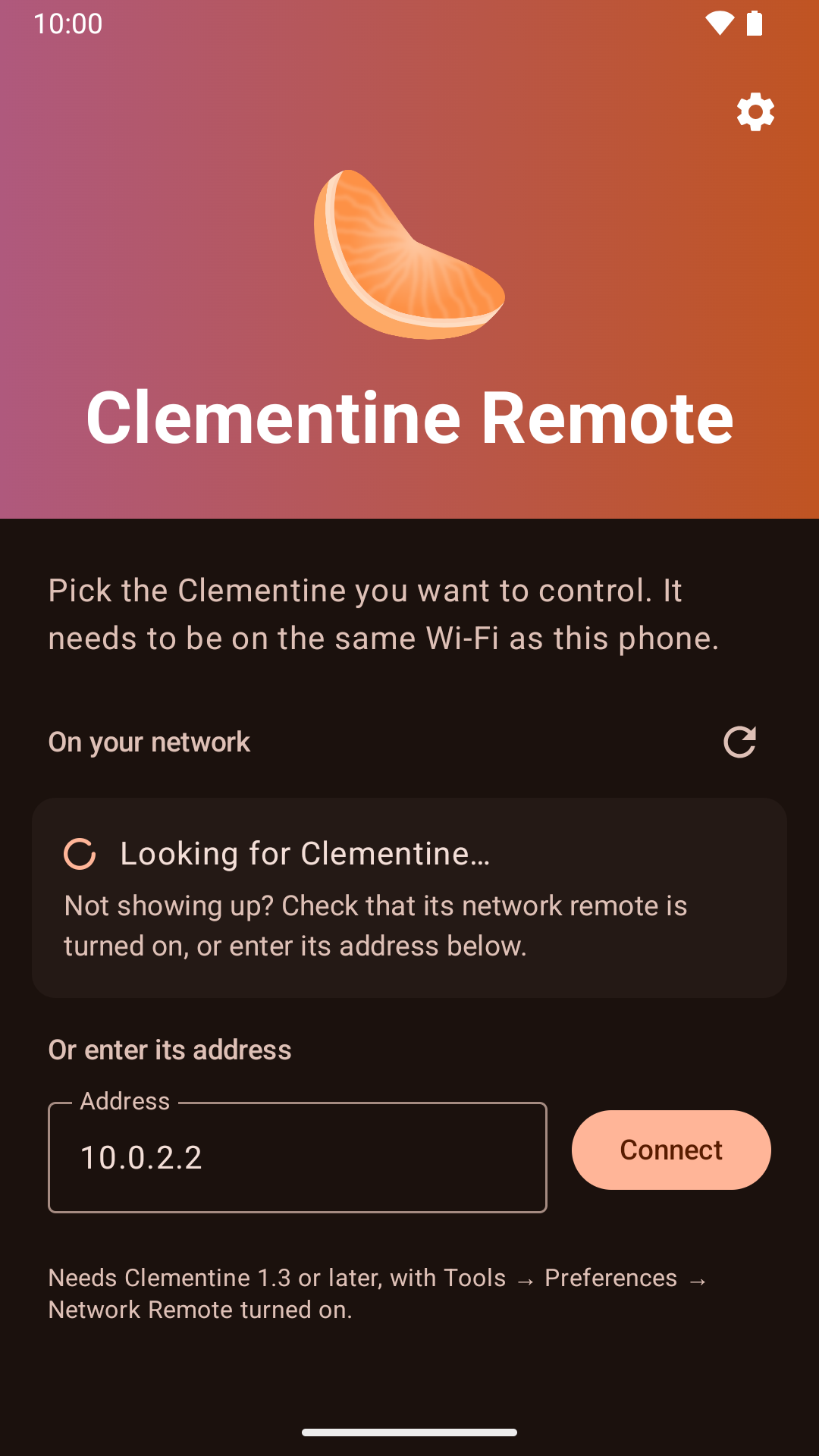
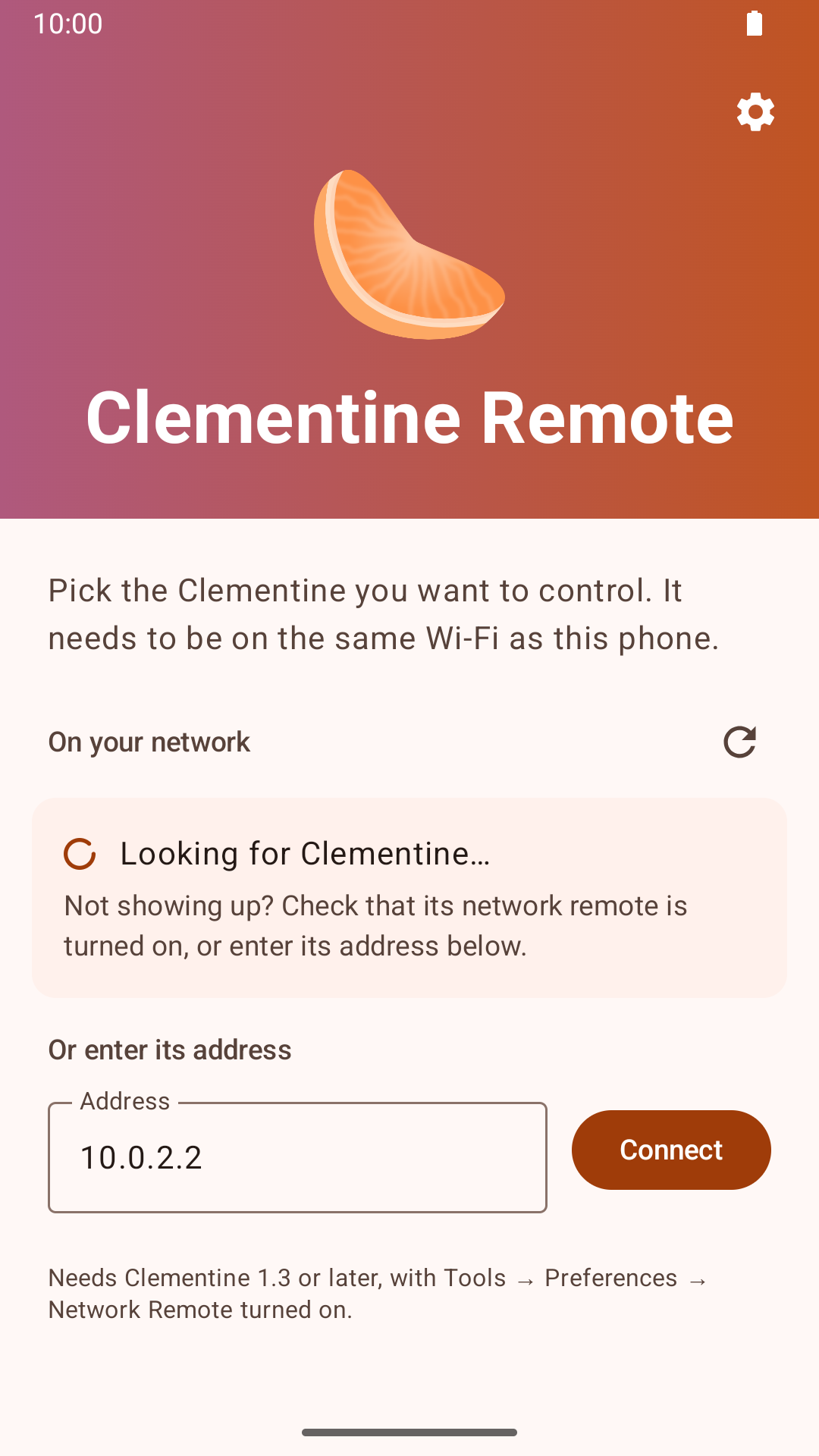
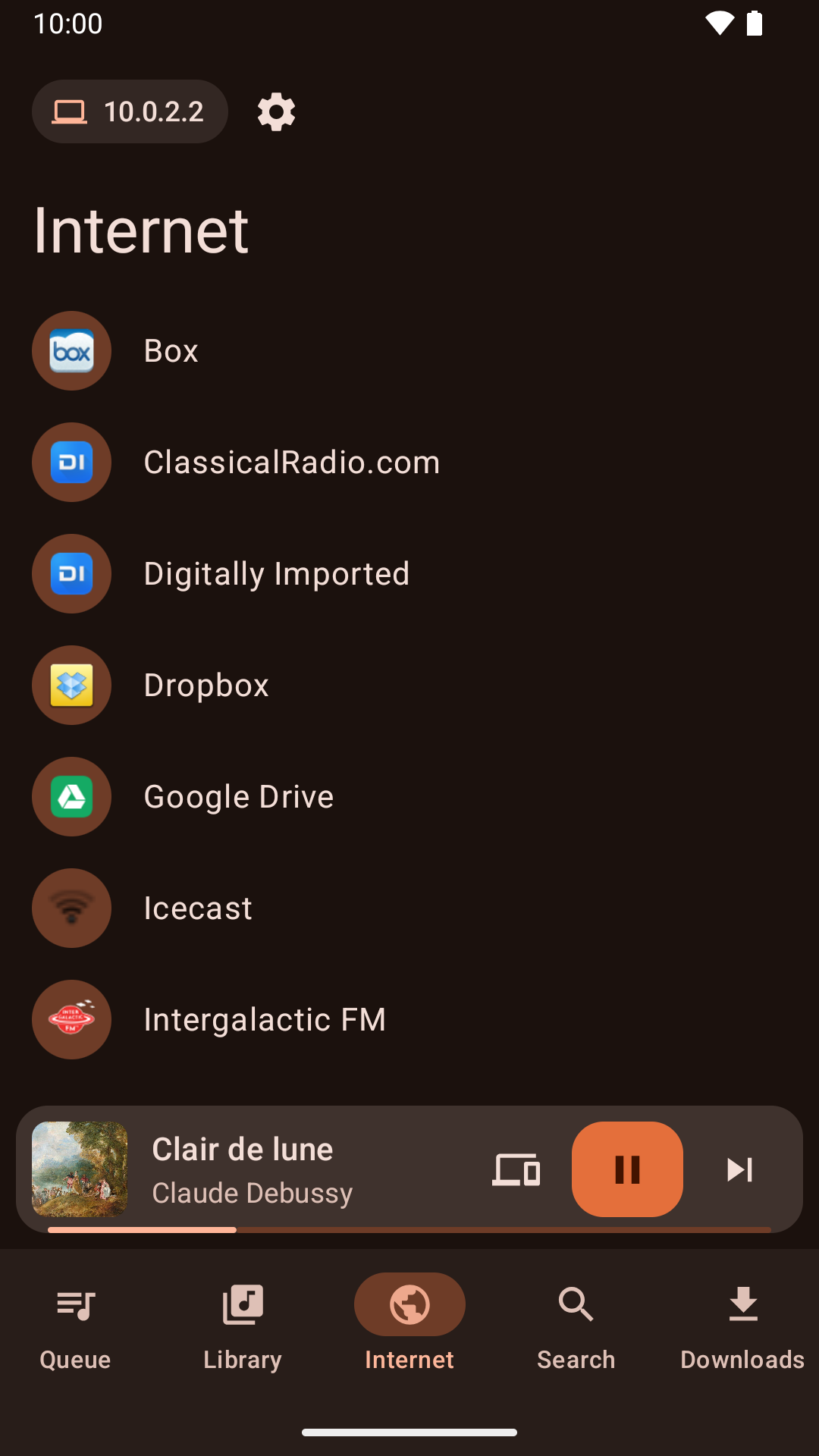
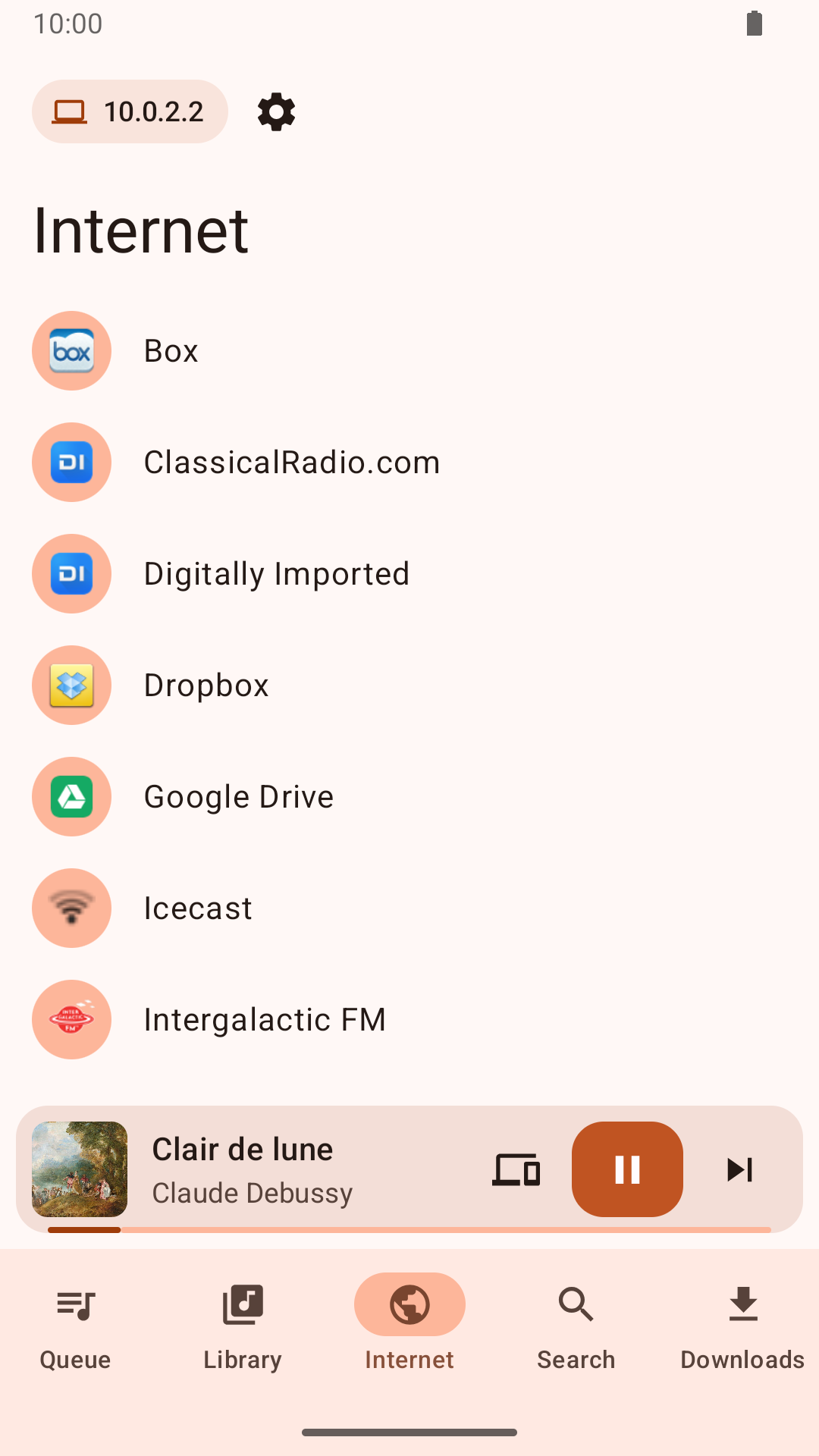
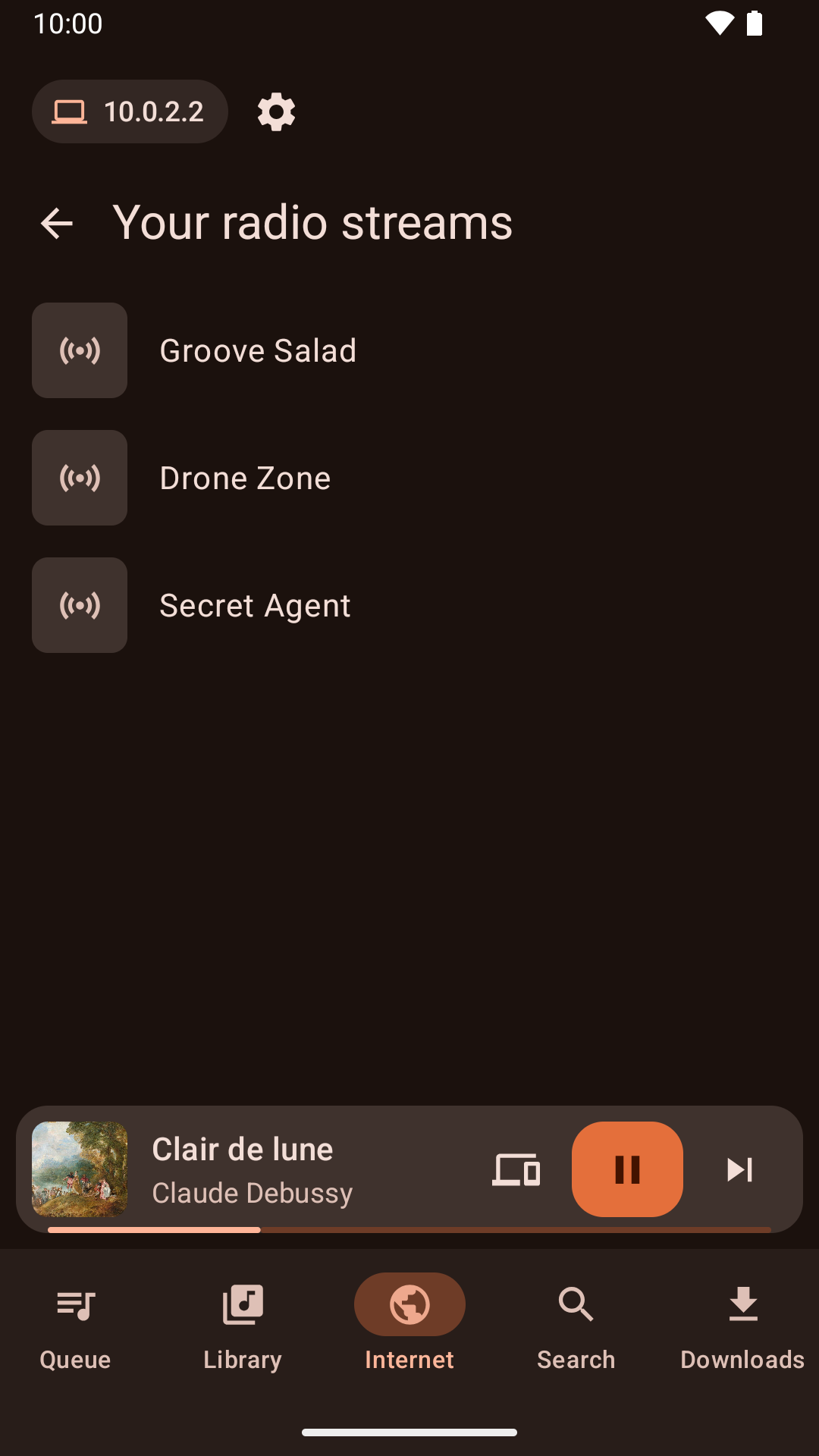
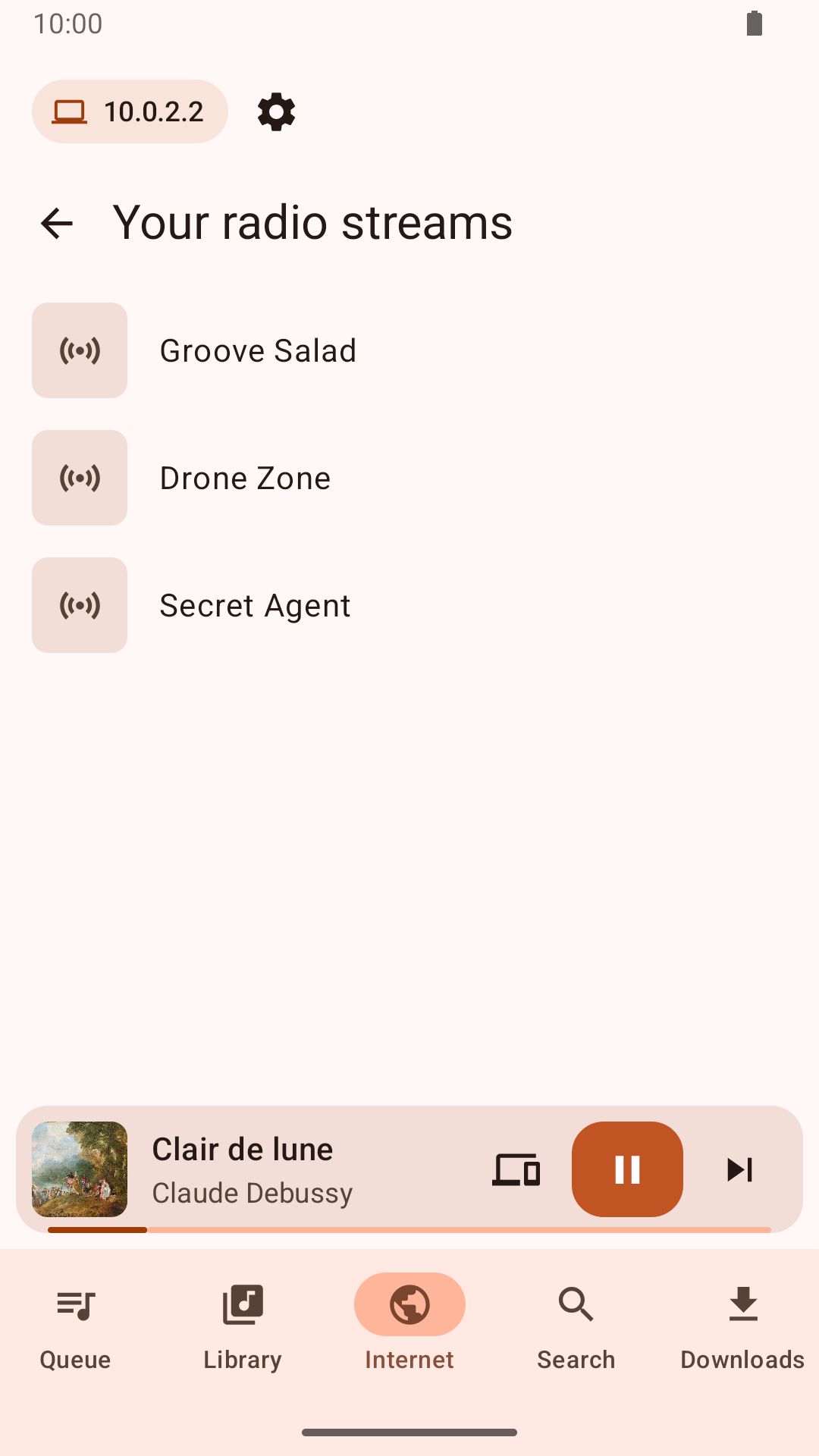
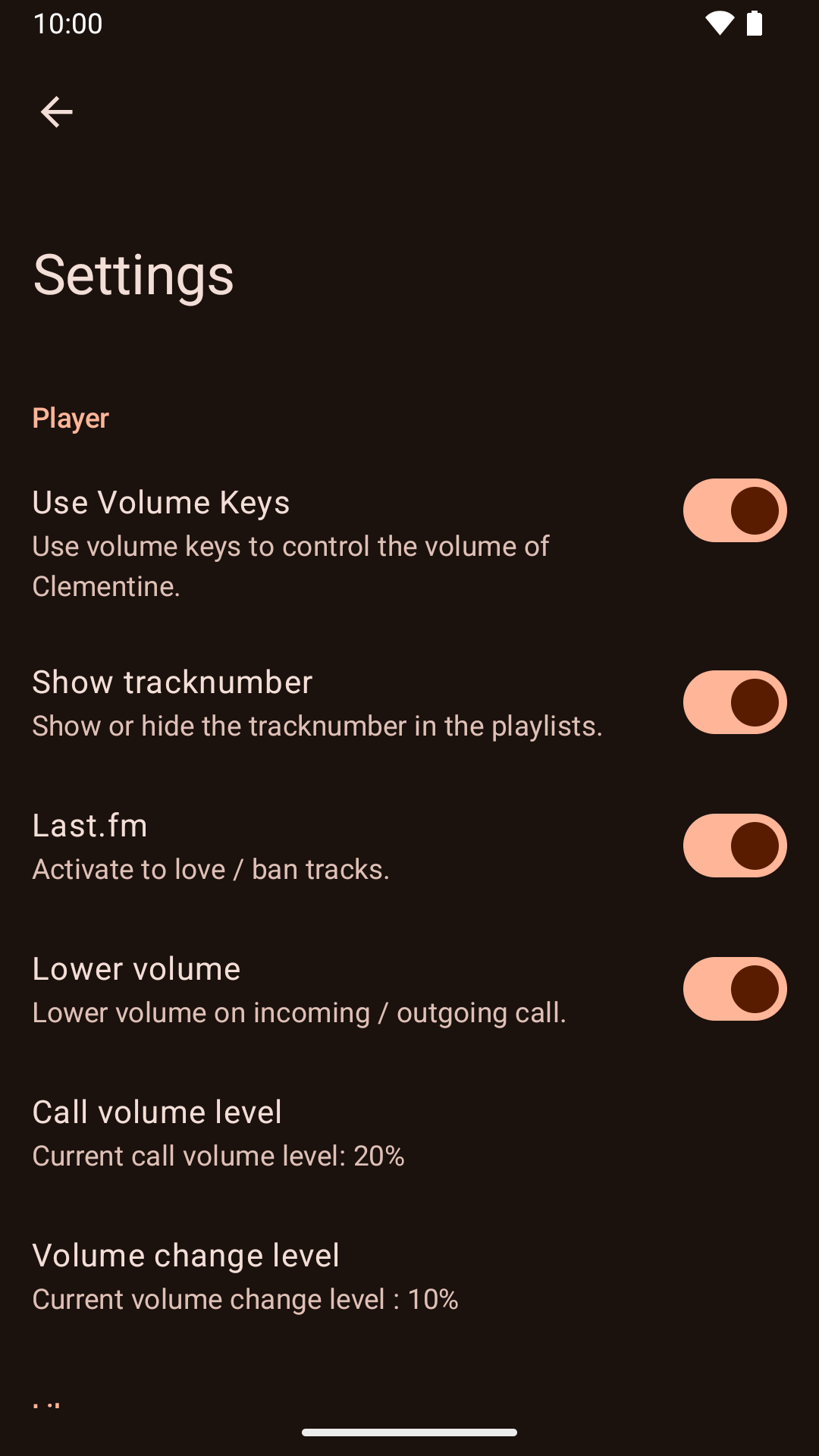
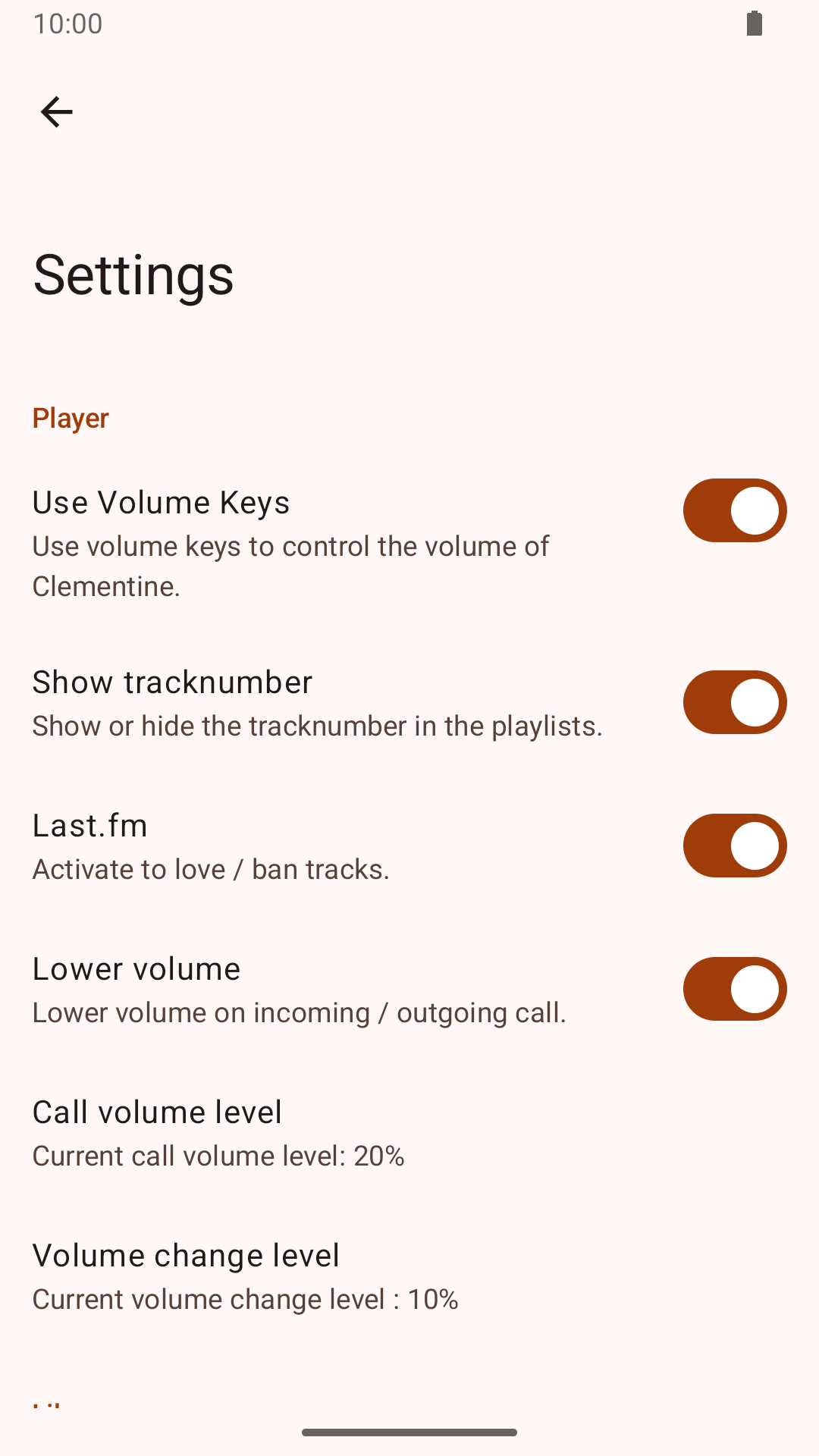
Store screenshotsFrom run 36748348158, against clementine-it. Left: the store listing of the latest release, v13.2, which shows the dark theme. Right: this pull request, dark and light.
|

This file contains hidden or bidirectional Unicode text that may be interpreted or compiled differently than what appears below. To review, open the file in an editor that reveals hidden Unicode characters.
Learn more about bidirectional Unicode characters
Sign up for free
to join this conversation on GitHub.
Already have an account?
Sign in to comment
2 participants


Add this suggestion to a batch that can be applied as a single commit.This suggestion is invalid because no changes were made to the code.Suggestions cannot be applied while the pull request is closed.Suggestions cannot be applied while viewing a subset of changes.Only one suggestion per line can be applied in a batch.Add this suggestion to a batch that can be applied as a single commit.Applying suggestions on deleted lines is not supported.You must change the existing code in this line in order to create a valid suggestion.Outdated suggestions cannot be applied.This suggestion has been applied or marked resolved.Suggestions cannot be applied from pending reviews.Suggestions cannot be applied on multi-line comments.Suggestions cannot be applied while the pull request is queued to merge.Suggestion cannot be applied right now. Please check back later.
Each release now takes its own store screenshots, so the listing always shows the app as released.
Release (
release.yml)planjob checks whether there's a release to make. Only when there is does the release callstore-screenshots.yml, the same emulator run against a real Clementine that pull requests get. Mondays with nothing to release don't start an emulator.scripts/store_screenshots.pyover them. It puts them in the release commit in the same order as now: the dark screens first, starting with now playing, then the light player. A screen whose pixels haven't changed stays the same file, so a release doesn't store it again. On the current screens the output is byte-identical to what's on master.play_listing.py).playlock now covers only the release job, so the 45-minute emulator run doesn't hold up development builds or listing updates.Master
play-listingwould push it back to Play. That workflow now sends only the text, icon and feature graphic, and leaves Play's screenshots to releases.store_graphics.pynow only draws the icon and feature graphic.v13.3.Tested
play_listing.py --checkwith no screenshots: passes and leaves them out.store_screenshots.pyon the latest run's screenshots, and got 8 images that pass--check. They're byte-identical to master's current ones. A second run left all 8 unchanged.post_screenshots.shwith a faked latest release:store-screenshots.yml, which is already on master.After merging: until the next release, pull request comments compare against v13.2, whose 7 light screenshots don't line up, so their release column is empty. Play keeps the 8 dark screenshots it has now.
🤖 Generated with Claude Code
https://claude.ai/code/session_012foWs5vBJrYTDtfyFhJ3ky
Generated by Claude Code