

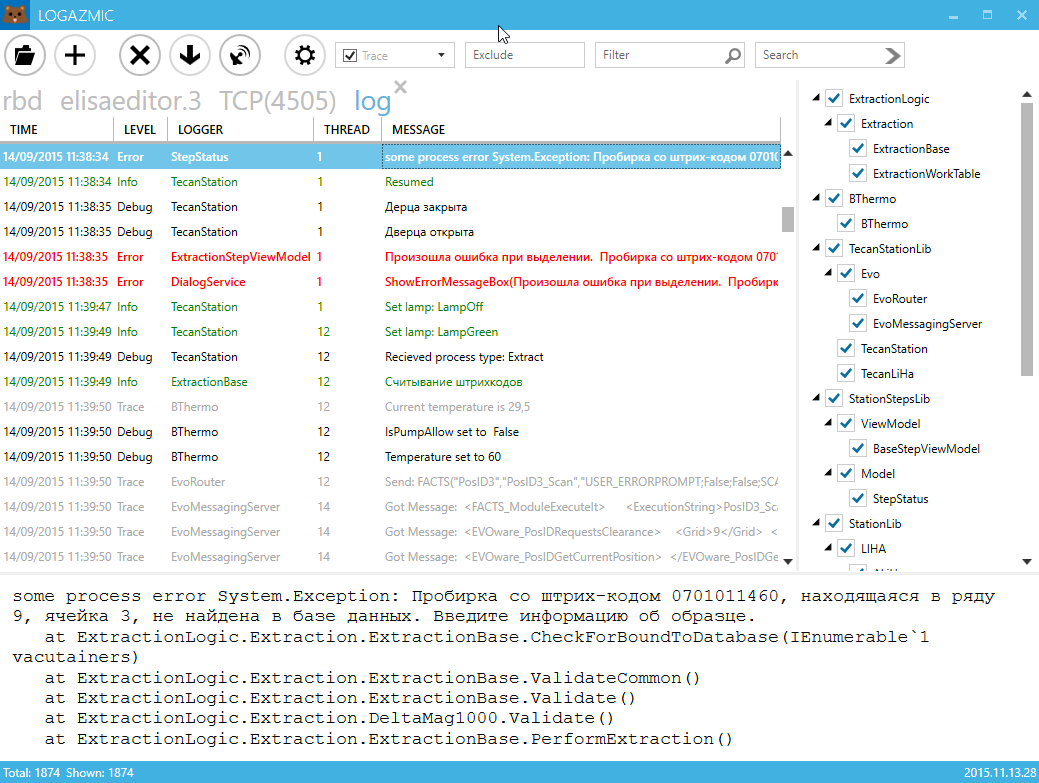
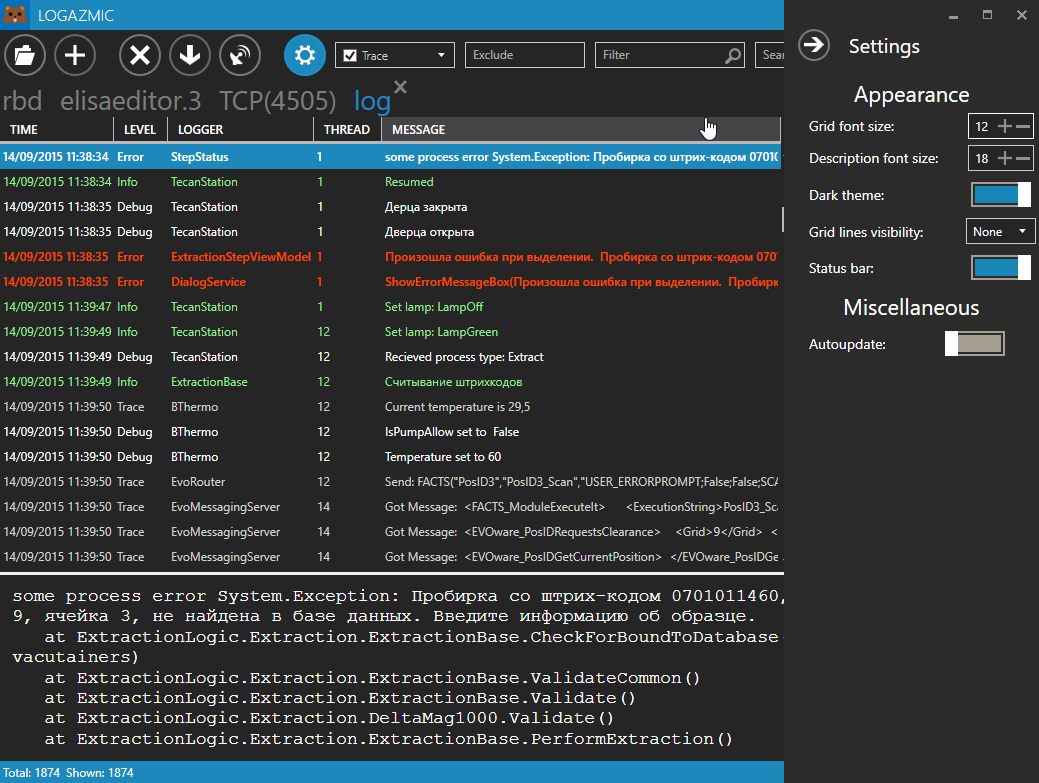
Minimalistic log viewer for nlog. Supports only log4j xml layout yet. Core is based on Log2console. UI is rewritten in WPF with usage of MahApps.Metro
- Listening on tcp/udp
- Opening *.log4j files
- Drag-and-drop files
https://github.com/ihtfw/Logazmic/releases/latest/
NLog (http://nlog-project.org/):
<?xml version="1.0" encoding="utf-8" ?>
<nlog xmlns="http://www.nlog-project.org/schemas/NLog.xsd"
      xmlns:xsi="http://www.w3.org/2001/XMLSchema-instance">
    <targets>
        <target name="logfile"  layout="${log4jxmlevent}"  xsi:type="File" fileName="file.txt" />
    </targets>

    <rules>
        <logger name="*" minlevel="Info" writeTo="logfile" />
    </rules>
</nlog>var config = new LoggingConfiguration();
#region file
var ftXml = new FileTarget
{
FileName = XmlLogPath,
Layout = " ${log4jxmlevent}",
Encoding = Encoding.UTF8,
ArchiveEvery = FileArchivePeriod.Day,
ArchiveNumbering = ArchiveNumberingMode.Rolling
};
var asXml = new AsyncTargetWrapper(ftXml);
var ruleXml = new LoggingRule("*", LogLevel.Trace, asXml);
config.LoggingRules.Add(ruleXml);
#endregion
#region tcp
var tcpNetworkTarget = new NLogViewerTarget
{
Address = "tcp4://127.0.0.1:4505",
Encoding = Encoding.UTF8,
Name = "NLogViewer",
IncludeNLogData = false
};
var tcpNetworkRule = new LoggingRule("*", LogLevel.Trace, tcpNetworkTarget);
config.LoggingRules.Add(tcpNetworkRule);
#endregion
LogManager.Configuration = config;
Install nuget package Logazmic.Integration. In your code to install, run and open log file
 var runner = new Logazmic.Integration.Runner();
 runner.Run(pathToLogFile);