⚠️ Action Required:
We recommend that you upgrade to 5.1.4 or above if you use WebRTC video to prevent issues with future Chrome versions.
Note: Use of this sample app is subject to our Terms of Use.
The Zoom Meeting SDK for web embeds Zoom Meeting and Webinar experiences directly in your web application using a highly optimized WebAssembly module. Get started with the @zoom/meetingsdk npm package.
git clone https://github.com/zoom/sample-app-web.git
cd sample-app-webThis repository contains three different implementation approaches:
| Implementation | Technology | Port | UI | Use Case |
|---|---|---|---|---|
| Components | React + TypeScript + Vite | 3000 | Component View | Modern, flexible component-based integration |
| Local | Vite 8 + Oxc + NPM | 9999 | Client View | Traditional client view with npm packages |
| CDN | Vanilla JS + Vite 8 + CDN | 9999 | Client View | Simple CDN-based integration |
Navigate to your preferred implementation:
cd Components # or Local, or CDNnpm installNote: For Node.js 16, use npm install --force
The Meeting SDK requires a signature from an authentication backend:
git clone https://github.com/zoom/meetingsdk-auth-endpoint-sample --depth 1
cd meetingsdk-auth-endpoint-sample
cp .env.example .env
Edit .env with your credentials:
CLIENT_SECRET=your_client_secret_here
# or
ZOOM_MEETING_SDK_SECRET=your_sdk_secret_here
Start the auth backend:
npm install && npm run startnpm start-
Open your browser:
- Components: http://localhost:3000
- Local/CDN: http://localhost:9999
-
Enter your meeting details:
- Meeting/Webinar number
- Passcode
- Role (Host or Attendee)
- Click "Join"
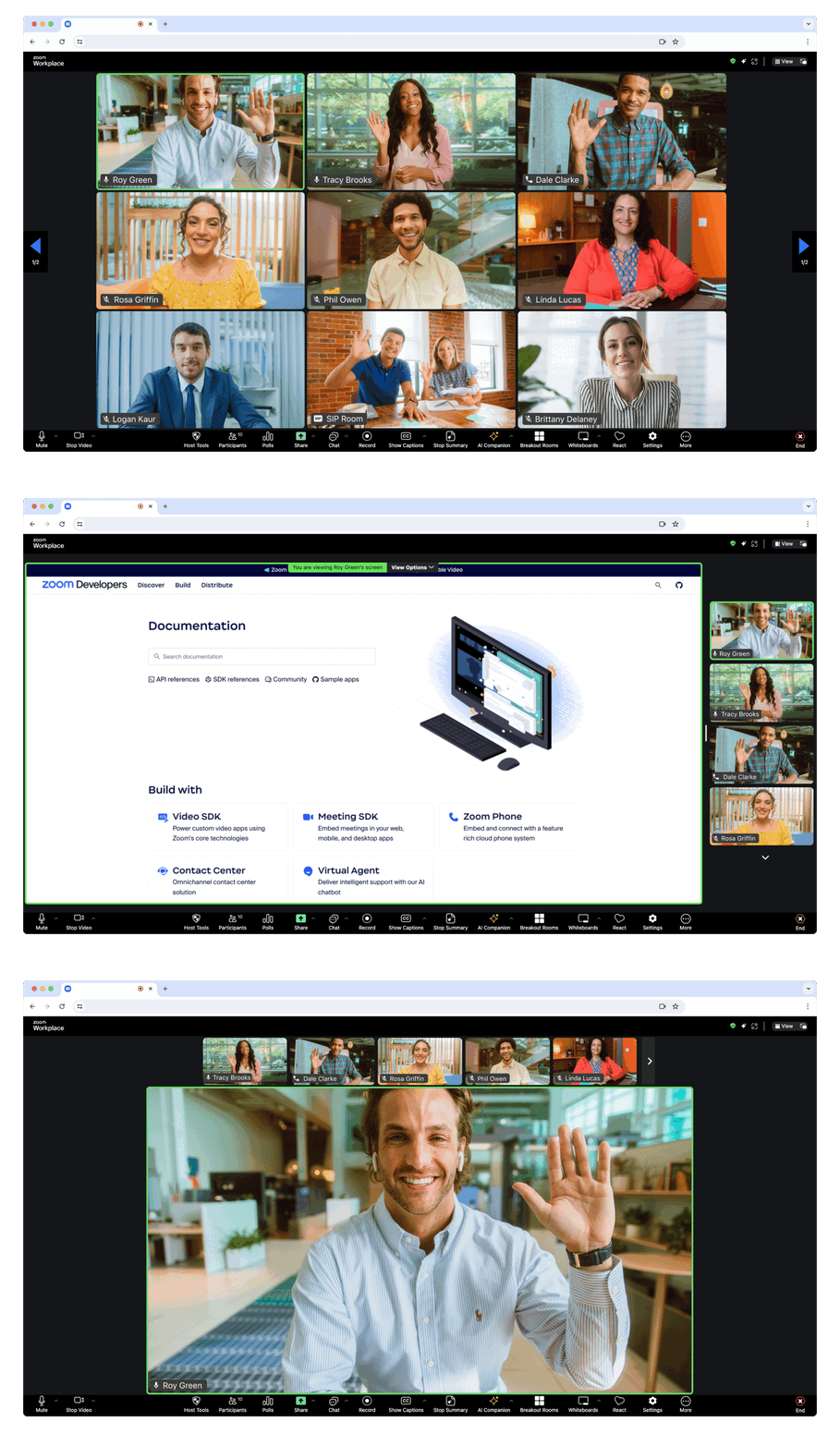
Full-page meeting experience - Displays the Meeting SDK as a complete interface, providing the same experience as the Zoom Web Client within your web page.
The component view provides the option to display the Meeting SDK for web in components on your page. This allows for a more flexible design. Component view is designed specifically for desktop browser use cases, not mobile environments. For mobile use cases, use client view.
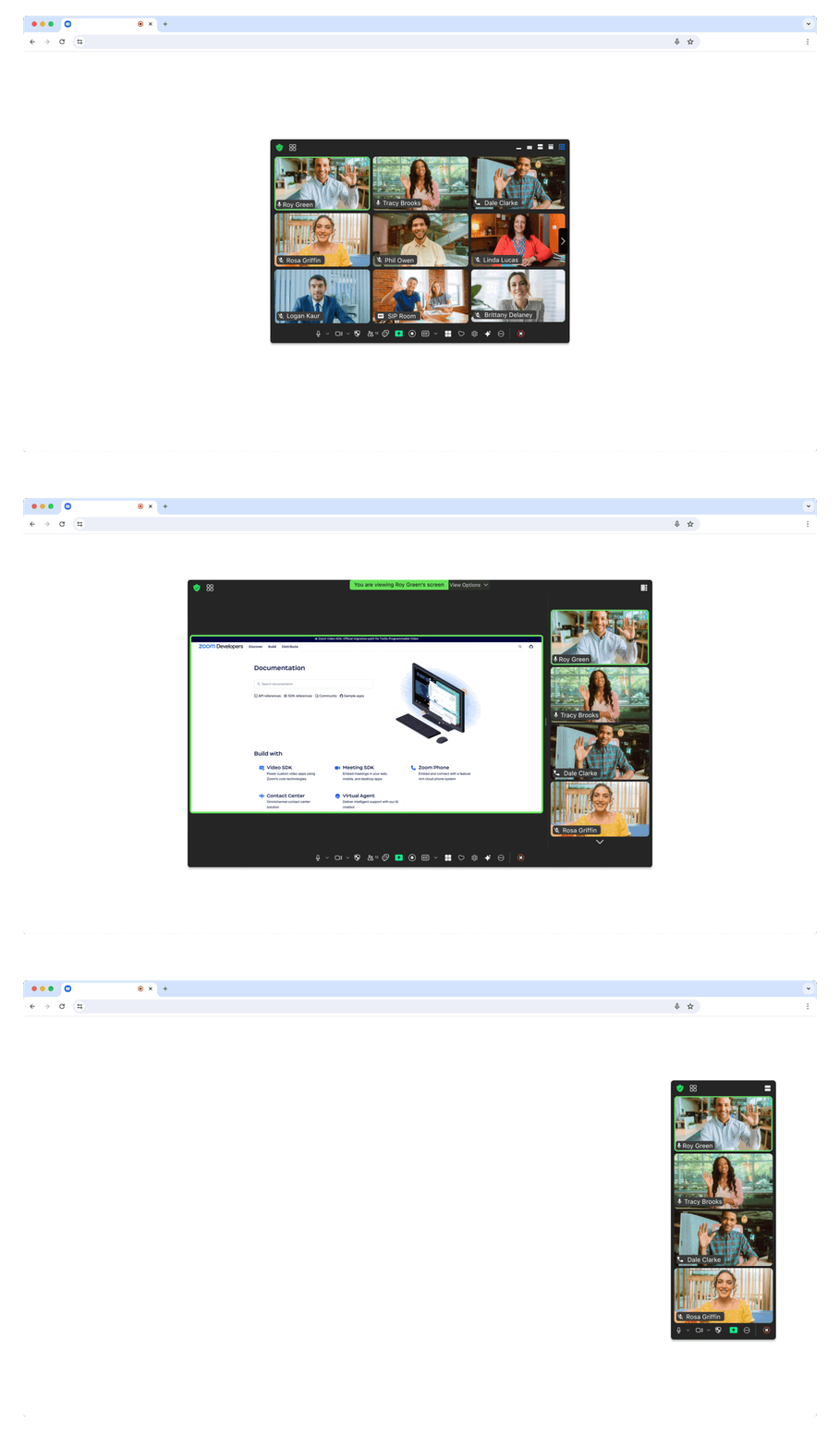
Flexible component integration - Embed individual meeting components within your existing page layout for custom designs and user experiences.
For government applications, you need to apply for a new SDK key at ZFG Marketplace.
{
  "dependencies": {
    "@zoom/meetingsdk": "3.11.2-zfg"
  }
}Client View:
ZoomMtg.setZoomJSLib("https://source.zoomgov.com/{VERSION}/lib", "/av");
ZoomMtg.init({
  webEndpoint: "www.zoomgov.com",
});
Component View:
const client = ZoomMtgEmbedded.createClient();
client.init({
  assetPath: "https://source.zoomgov.com/{VERSION}/lib/av",
  webEndpoint: "www.zoomgov.com",
});- Developer Support - Technical support
- Developer Forum - Community discussions
- Premier Developer Support - Priority support plans
The CDN sample uses Node.js 22 (22.12 or newer). Run nvm install and nvm use inside CDN to select it. Run npm install in CDN, then npm start for HTTP or npm run https to use the included local certificate. The main server uses port 9999 and the meeting isolation server uses port 9998.
Run npm test for server and build checks, or npm run build to generate CDN/dist. When hosting the build, configure Cross-Origin-Resource-Policy: cross-origin and add Cross-Origin-Embedder-Policy: require-corp and Cross-Origin-Opener-Policy: same-origin for /meeting.html. Local CDN scripts retain their classic script ordering.
The Local sample requires Node.js 20.19+ or 22.12+ (Node.js 22 LTS recommended). In Local, run npm install, then npm start for HTTP or npm run https for HTTPS with the included local certificate. Both use port 9999; the meeting page receives cross-origin isolation headers directly, so a second server on port 9998 is no longer needed.
Vite 8 uses Oxc for JavaScript transformation and minification. Run npm run lint / npm run lint:fix for Oxlint, and npm run format / npm run format:check for Oxfmt. SDK-provided helper HTML is kept unchanged. Run npm run build to generate Local/dist, and npm run preview to serve that build locally.
When deploying Local/dist, configure Cross-Origin-Resource-Policy: cross-origin on responses and Cross-Origin-Embedder-Policy: require-corp plus Cross-Origin-Opener-Policy: same-origin for /meeting.html, including requests with query parameters. React, ReactDOM, React Redux, Redux, Redux Thunk, and Lodash remain external classic scripts. The build copies these six vendor files into dist/node_modules and includes the helper pages; deploy the entire dist directory.